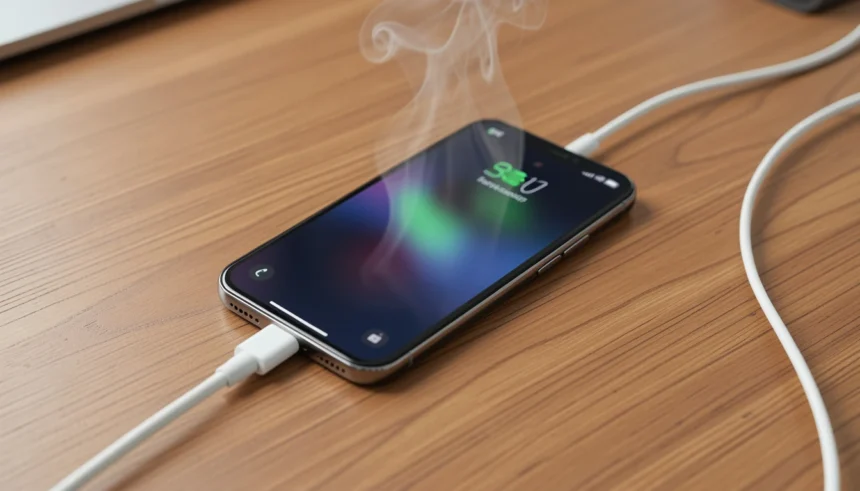
You plug in your phone, go to grab it an hour later, and – yikes. It’s almost too hot to hold.
I’ve been there. Last month, my phone got so hot while charging that I unplugged it and left it on the kitchen counter for 20 minutes before touching it again.
Here’s the good news: in most cases, a phone that gets hot while charging is completely normal. But there’s a clear line between “warm” and “dangerous.”
In this guide, you’ll learn exactly why your phone heats up during charging and get 5 fixes that work immediately – no tools, no tech knowledge required.
Is It Normal for a Phone to Get Warm During Charging?
Yes. A warm phone during charging is normal. Your battery is a chemical system, and chemistry produces heat.
When electricity flows into a lithium-ion battery, it triggers chemical reactions inside the cells. Those reactions release energy as heat. That warmth you feel through the back of the phone? That’s just physics doing its job.
A safe charging temperature sits between 68°F and 95°F (20°C to 35°C). Your phone should feel warm, not painful to hold.
If it crosses 110°F (43°C), that’s when you need to pay attention. Most phones will actually show you a warning and slow or stop charging on their own at this point.
So if your phone feels warm, relax. If it feels like it belongs on a stovetop, keep reading.
4 Common Reasons Your Phone Overheats While Charging
Before you can fix the problem, you need to know what’s causing it. Most cases come down to one of these four things.
1. Fast Charging Generates More Heat
Fast charging pushes more power into your battery in less time. More power equals more resistance. More resistance equals more heat.
This is not a flaw. It’s a tradeoff. You get a faster charge, and your phone gets warmer in return.
If you’re using a 65W or 120W fast charger and your phone gets hot, the charger may be the cause. Switching to a slower overnight charge often solves the problem entirely.
2. Your Phone Case Is Trapping Heat
Your phone needs to push heat out through its back panel. A thick rubber or plastic case blocks that escape route.
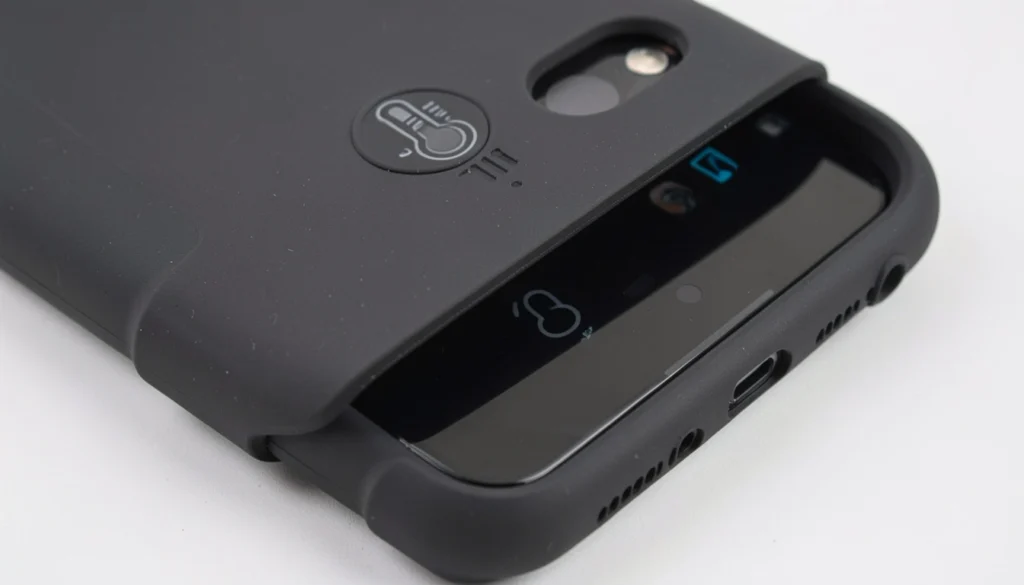
I tested this myself with my Samsung A53 last summer. The phone was getting painfully hot after 20 minutes of charging while I watched YouTube. I tried closing all my apps. Still hot. I tried a different charger. Still hot. Then I removed my thick Spigen case. Within 5 minutes, the temperature dropped from 108°F to 92°F. That single change fixed the problem. Now I never charge with the case on.
3. You’re Using the Phone While It Charges
Every app you open while charging demands processor power. The CPU generates its own heat. Add that on top of the heat from charging, and your phone is managing two heat sources at once.
Video streaming is the worst offender. Calls and GPS navigation are close behind.
The fix is simple: put the phone down while it charges. It sounds obvious, but most people don’t do it.
4. The Ambient Temperature Is Too High
Charging a phone in a 90°F room or in direct sunlight pushes it over the edge fast. Your phone can only stay cool if the air around it is cooler than its internal temperature.
Charging in a parked car in summer is one of the most common causes of serious overheating. The phone sits in 120°F+ heat and has nowhere to dump its thermal output.
5 Fixes to Cool Down Your Phone Immediately
Each fix below follows a 3-step structure. Pick the one that matches your situation and start there.
Fix #1: Unplug It Right Now (Seriously)
If your phone feels dangerously hot to the touch, follow these 3 steps:
Step 1: Unplug the charger from the phone immediately.
Step 2: Remove the phone case.
Step 3: Place the phone face-up on a hard, cool surface – a wooden table or ceramic tile works well.
Do not put it in the fridge or freezer. The sudden temperature drop can cause condensation inside the phone, which damages internal components.
Give it 15 to 20 minutes. If it cools down and feels normal, you can resume charging – slowly, without the case.
Fix #2: Remove the Case – Every Time You Charge
If your phone feels hot to the touch while charging, follow these 3 steps:
Step 1: Unplug the phone.
Step 2: Slide it out of the case slowly.
Step 3: Let it sit bare on a cool table for 10 minutes, then resume charging.
Most phone cases are insulators. They are designed to absorb shock, not conduct heat. Your phone needs direct airflow across its back panel to stay cool. Make it a habit: case off before you plug in.
Fix #3: Switch to Slow Charging (Overnight)
If your phone gets hot every single time you fast charge, follow these 3 steps:
Step 1: Use the standard 5W or 10W charger that came in the box, or a basic USB-A cable and adapter.
Step 2: Plug in before you go to sleep.
Step 3: Unplug first thing in the morning.
Slow charging generates far less heat. It also puts less stress on your battery long-term. Many phone manufacturers, including Apple and Samsung, now include battery protection modes that cap overnight charging at 80% for exactly this reason.
Fix #4: Turn On Airplane Mode While Charging
If your phone is hot and you need it charged quickly, follow these 3 steps:
Step 1: Swipe into your quick settings panel.
Step 2: Tap Airplane Mode to turn it on.
Step 3: Plug in and charge.
When Airplane Mode is on, your phone stops searching for cell towers, Wi-Fi, and Bluetooth signals. That search process uses your processor constantly. Cutting it off reduces background heat and also speeds up charging by 10–20%.
Fix #5: Move It to a Cool, Flat Surface
If your phone is charging somewhere warm or in sunlight, follow these 3 steps:
Step 1: Unplug and move the phone to a shaded, indoor spot.
Step 2: Place it on a hard, flat surface – not a couch, pillow, or bed.
Step 3: Keep it away from other heat sources like laptops or gaming consoles.
Soft surfaces like beds and cushions trap heat the same way a phone case does. A hard surface lets air circulate underneath the phone and pulls heat away passively.
How to Check Your Phone’s Actual Temperature
You don’t need to guess. Two methods work well and cost almost nothing.
Free app option: Download CPU-Z (Android) or a battery health app like AccuBattery. Both show your battery temperature in real time. A reading under 95°F (35°C) is normal. Above 110°F (43°C) means you should stop charging and let the phone cool.
IR thermometer option: A basic infrared thermometer costs around $15 and gives you an instant surface reading. Point it at the back of your phone, near the center where the battery sits.
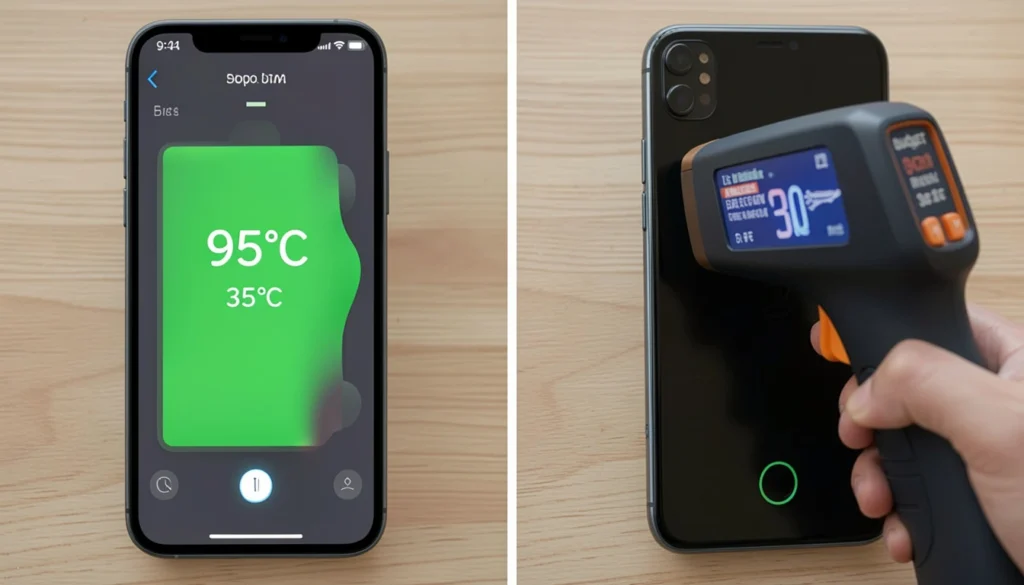
I keep a small IR thermometer in my desk drawer for exactly this reason. Before I switched to overnight charging, I used to check my phone mid-charge regularly. It helped me see exactly how much my thick case was adding to the temperature – often 12 to 15 degrees more than without it.
If you don’t want to buy anything, just check your phone’s battery settings. On Android: Settings > Battery > Battery Temperature. On iPhone: iOS does not show the temperature directly, but it will display a warning screen if the temperature becomes unsafe.
When to Worry: 3 Signs of Battery Damage
Most of the time, a hot phone is just a warm phone. But three signs mean you need to act fast.
Sign #1: The phone gets hot even when not charging. If your phone heats up during normal use with no charger connected, the battery may be aging or defective. This is especially common in phones over 3 years old. Take it to a service center.
Sign #2: Battery percentage drops fast or jumps around. Sudden drops – from 60% to 20% in minutes – or battery readings that jump back and forth usually mean the battery cells are degrading. Heat speeds up this process significantly.
Sign #3: The screen is lifting away from the body.
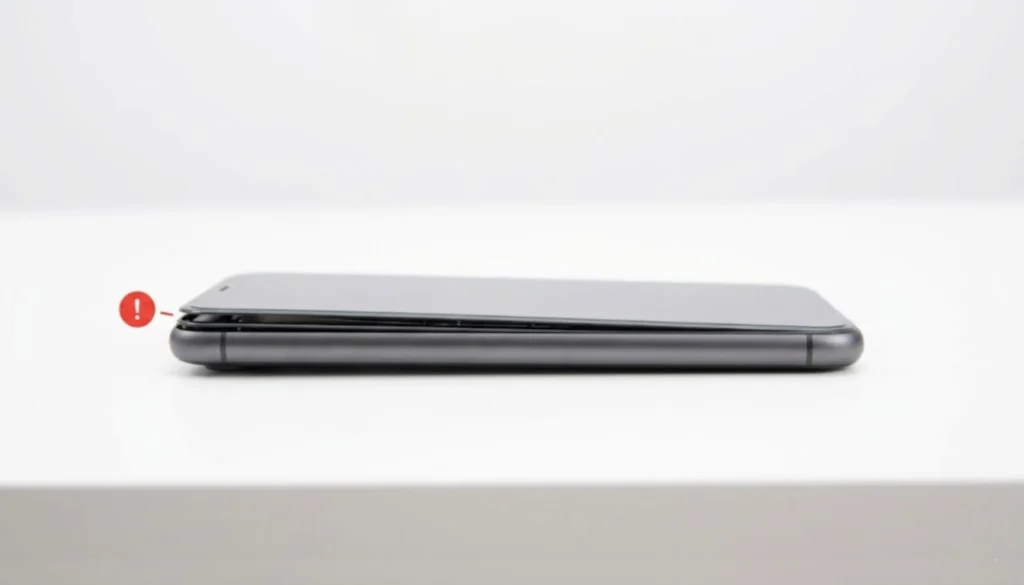
A swollen battery pushes outward and can separate the screen from the frame. If you see any gap between the screen and the body of your phone, stop charging immediately, do not puncture the battery, and take it to a repair shop the same day. A swollen lithium-ion battery is a fire risk.
Frequently Asked Questions
Why does my phone get hot while charging but not during normal use?
Charging pushes electrical current into the battery, which generates heat through chemical resistance. Normal use draws power out, which produces less heat. If it only happens while charging, the charger or case is usually the cause.
Is it safe to charge my phone overnight?
Yes, if your phone supports battery protection mode. Both iOS and Android 15 now include smart charging features that pause at 80% and finish just before your usual wake time. Enable this in your battery settings.
Does overheating while charging ruin the battery permanently?
Occasional overheating will not destroy your battery. But repeated high-temperature charging accelerates battery aging. Over months, you will notice shorter battery life. The good news: the fixes in this article cost nothing and protect your battery long-term.
Can a bad charging cable cause overheating?
Yes. A damaged or low-quality cable creates more electrical resistance, which produces more heat. Use the cable that came with your phone, or buy a certified replacement from a reputable brand.
What temperature is too hot for a phone while charging?
Anything above 110°F (43°C) is outside the safe range. Most phones will show a warning and slow the charge automatically at this point. Above 122°F (50°C) can cause permanent battery damage.
The Bottom Line
A phone that gets hot while charging is usually not a sign of a serious problem. But if you let it happen every day without addressing it, you will shorten your battery’s life faster than necessary.
The five fixes in this guide solve most overheating problems immediately. Remove the case, switch to slow overnight charging, and stop using the phone while it charges. Those three changes alone will fix the issue for most people.
If your phone shows signs of battery swelling or gets hot without any charger connected, see a technician. Don’t wait on that one.
You now know exactly why your phone gets hot while charging and what to do about it. Put one fix into action today and check the difference for yourself.
Found this helpful? Drop a comment below and tell me which fix worked for you. If you share this with someone whose phone runs hot, you might save their battery (and maybe their furniture).