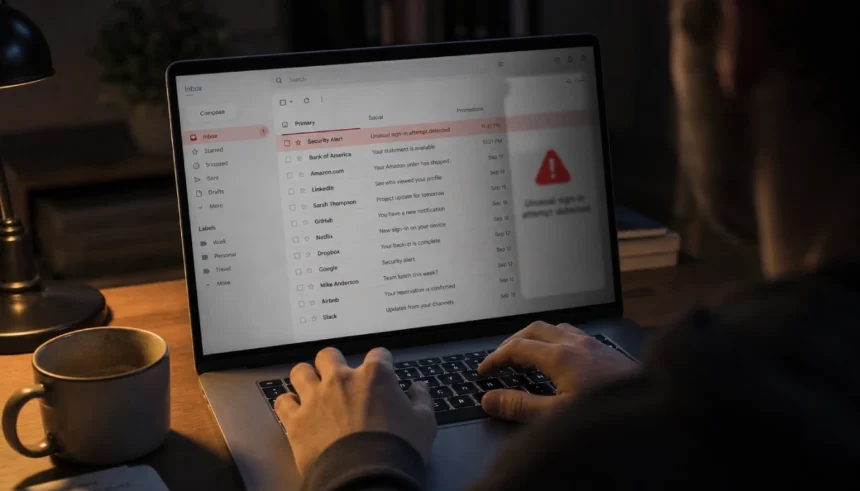
I still remember the moment I realized something was off with my email. A friend texted me asking why I had sent her a strange link about a “limited-time deal.” I had not sent anything. My stomach dropped.
That quiet panic of not knowing what happened, how long it had been going on, or what someone had already seen — it is a horrible feeling. And if you are reading this right now, you might be feeling the same thing.
The good news? You do not need to spend money or hire anyone to find out if your email is compromised. There are free, reliable ways to check. This guide walks you through all of them.
What Are the Signs Your Email Is Hacked?
Before you run any tools, check for these red flags. They are the most common symptoms of an email account takeover.
- Contacts are receiving spam from you — If friends or coworkers say they are getting strange emails from your address, that is a serious warning sign.
- Your password stopped working suddenly — A hacker may have changed it to lock you out.
- Your recovery email or phone number was changed — Check your account settings for any unfamiliar contact details.
- You see sent emails you did not write — Always check your Sent folder. Hackers often clean it up, but not always.
- Unknown devices are logged in — Most email providers show you which devices and locations have accessed your account recently.
- Email forwarding rules you did not set — This is a sneaky one. Hackers often add a forwarding rule so they get copies of every email you receive.
If any of these match what you are seeing, keep reading.
Step 1: Check If Your Email Is in a Data Breach (Free Tools)
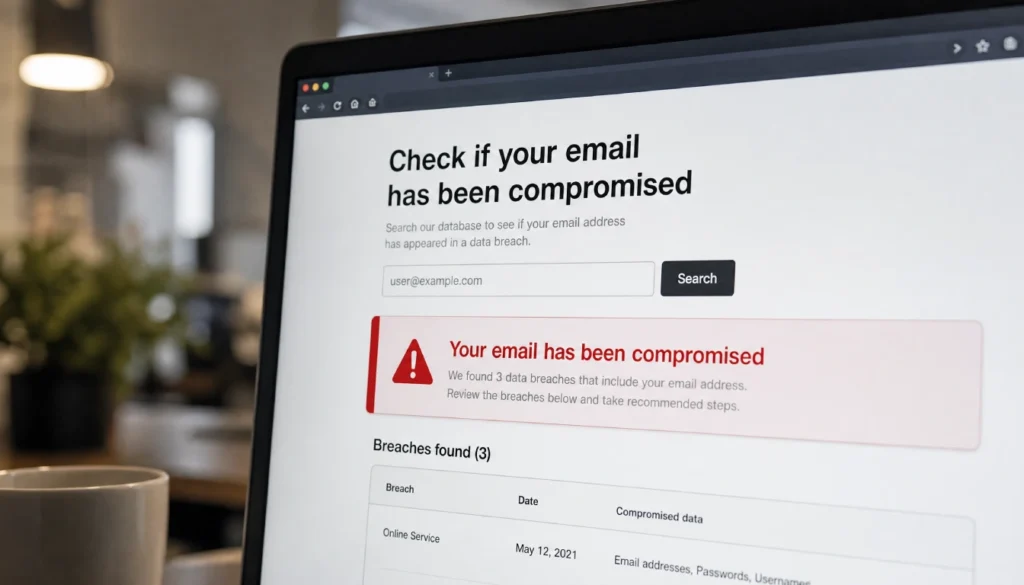
This is the fastest first step. Your email address could have been exposed in a large-scale data breach — meaning your login details were leaked from a site or service you used.
Have I Been Pwned
Go to haveibeenpwned.com. Type in your email address and hit the button. The site checks your email against a massive database of known breaches, completely free.
If your email shows up, it tells you which breaches it appeared in, what type of data was exposed (passwords, phone numbers, etc.), and whether your information ended up on the dark web.
This is one of the most trusted free email breach scanners available.
Firefox Monitor
Firefox Monitor (monitor.firefox.com) does the same thing with a clean, easy-to-use interface. You can also sign up for free alerts so you get notified the moment your email appears in a new breach.
Google Account Security Checkup
If you use Gmail, go to myaccount.google.com/security-checkup. Google will show you recent sign-in activity, connected apps, and whether anything looks suspicious. This is a must-do step for Gmail users.
Step 2: Check Your Email Login History
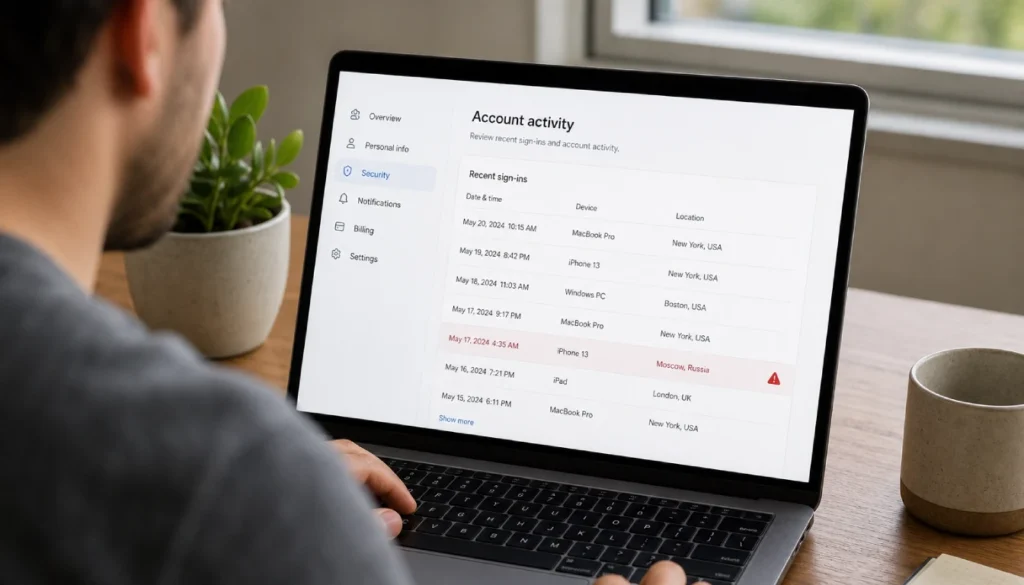
Most email providers let you see recent login activity. This shows you exactly which IP addresses, devices, and locations accessed your account.
How to Check Gmail Login History
- Open Gmail and scroll to the bottom of the page.
- In the bottom right corner, click “Details” next to “Last account activity.”
- A window pops up showing all recent logins with timestamps and IP addresses.
Look for any login from a location you do not recognize, especially from a different country or city.
How to Check Outlook Login History
- Go to account.microsoft.com and sign in.
- Click on “Security” in the top navigation.
- Select “My sign-in activity.”
You will see a full list of sign-ins, the device used, and the general location.
How to Check Yahoo Mail Login History
- Click on your profile picture in Yahoo Mail.
- Go to “Account Security” or visit login.yahoo.com/account/activity.
- Review the list of recent logins.
Step 3: Check for Hidden Forwarding Rules
This is the step most people skip, and it is the one hackers count on.
When someone gets into your account, they sometimes set up an automatic forwarding rule. Every email you receive gets quietly copied to their address. You never notice anything unusual because you still get all your emails normally.
How to Check Gmail Forwarding Rules
- In Gmail, click the gear icon and select “See all settings.”
- Go to the “Forwarding and POP/IMAP” tab.
- Look for any forwarding address you did not add yourself.
If you see an unknown address, remove it immediately.
How to Check Outlook Forwarding Rules
- In Outlook, go to Settings, then “View all Outlook settings.”
- Click “Mail” and then “Forwarding.”
- Check whether automatic forwarding is turned on and where it is sending your emails.
Step 4: Look for Unrecognized Devices
Alongside forwarding rules, check which devices are currently signed into your account.
- Gmail: Go to myaccount.google.com, scroll to “Your devices.”
- Outlook: Go to account.microsoft.com, click “Devices.”
- Yahoo: Visit the Yahoo account security page and review connected apps and sessions.
Remove any device you do not recognize. Sign those sessions out immediately.
What to Do If Your Email Has Been Hacked
If you confirmed something suspicious, here is your priority order.
| Step | What to Do |
|---|---|
| 1 | Change your password immediately — use a strong, unique one |
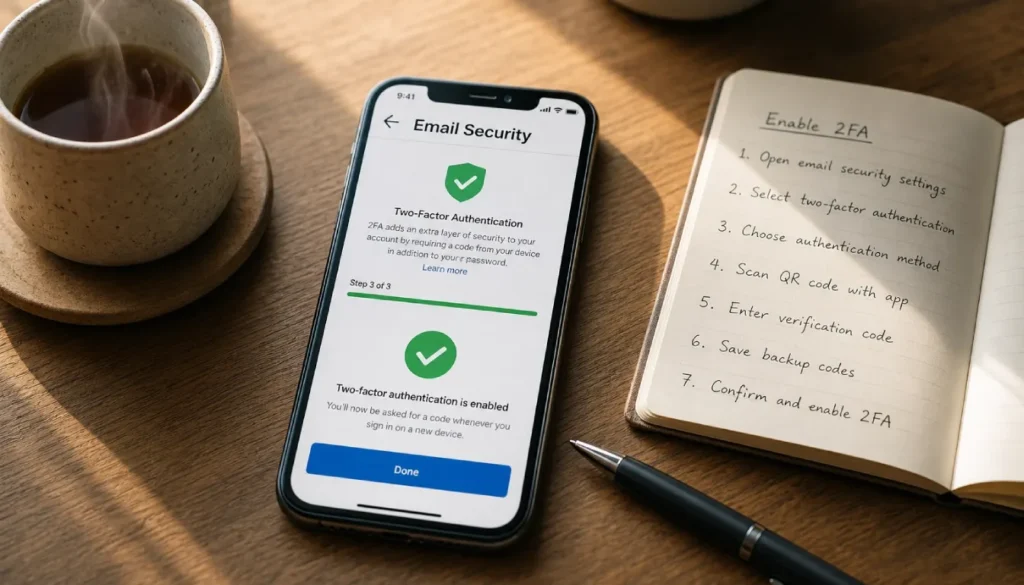
| 2 | Enable two-factor authentication (2FA) |
| 3 | Remove any forwarding rules or unknown devices |
| 4 | Update your recovery email and phone number |
| 5 | Check your Sent folder and delete any spam sent in your name |
| 6 | Alert your contacts so they ignore any suspicious messages |
| 7 | Scan your other accounts that use the same password |
Do not reuse the old password anywhere. If the hacker had it once, they may try it on other sites.
Can You Check Without Changing Your Password?
Yes. Tools like Have I Been Pwned only check whether your email appeared in a known breach. They do not require you to enter your password and do not trigger any changes to your account.
Checking your login history and forwarding rules also requires no password change. You just need to be signed in.
How Often Should You Check Your Email for Hacking?
Most security experts recommend doing a quick check every three to six months. You should also check immediately if:
- You get an alert from your provider about a suspicious login
- A contact tells you they received strange emails from you
- You notice any unexpected password reset emails in your inbox
- A site you use announces a data breach
Setting up alerts through Firefox Monitor or Have I Been Pwned’s notification feature means you do not have to remember to check manually.
Frequently Asked Questions
Can a hacked email be fixed for free?
Yes, in most cases. Change your password, enable 2FA, remove any forwarding rules, and sign out of unknown devices. No paid service is required for basic recovery.
How do I know if someone read my emails without permission?
Check your login history for unfamiliar IP addresses or locations. If you see sign-ins from places you have never been, someone likely accessed your account.
What does a hacked email look like from the inside?
Look for emails you did not write in your Sent folder, forwarding rules you did not set, missing emails, or recovery information that has been changed.
Is there a free website to check if my email was hacked?
Yes. Have I Been Pwned (haveibeenpwned.com) and Firefox Monitor (monitor.firefox.com) are both free and reliable. Google also offers a free Security Checkup for Gmail users.
How do hackers get into email accounts?
Common methods include phishing links, data breaches on third-party sites, weak or reused passwords, and credential stuffing (where hackers use stolen username/password combos from other breaches to try your email).
Final Thoughts
Finding out your email might be compromised is stressful. But catching it early makes a real difference. A few free tools and ten minutes of your time can tell you whether you have a problem and help you fix it before it gets worse.
Start with Have I Been Pwned, check your login history, and look at your forwarding rules. Those three steps cover the most common ways hackers access and monitor your account without you noticing.
If you found something suspicious — or if everything checked out and you are now relieved — drop a comment and share your experience. It helps others know what to look for too. And if you have a friend who is worried about their email, share this with them. It takes less than five minutes to run through these checks.
Your inbox is worth protecting.