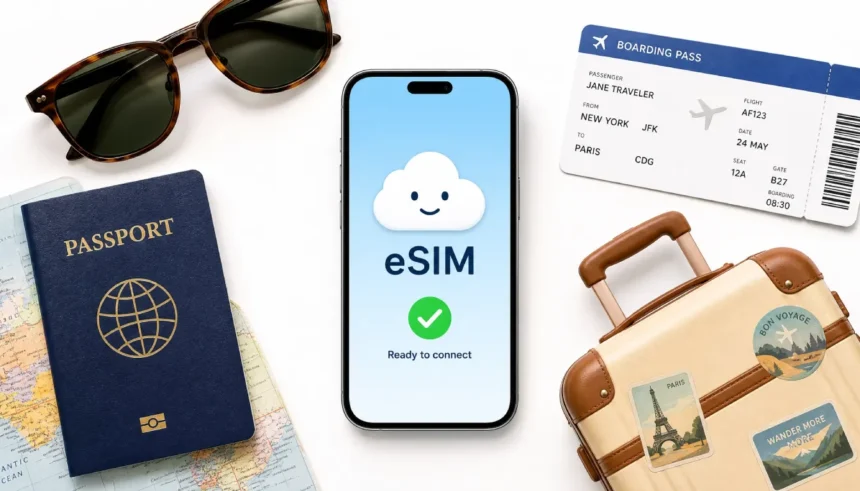
You land in a new country, switch on your phone, and your carrier hits you with a $15-a-day roaming fee. Ouch. Someone told you to “just get an eSIM,” but you have no idea what that means or whether your phone even supports it.
I get it. I was in the same spot before a trip to Italy. I thought I could wing it with my home plan and came back to a $120 phone bill for one weekend. The next trip, I used a travel eSIM in Japan and paid $15 total. That switch changed how I travel.
This guide explains what an eSIM is and how it works for travel, step by step, with zero tech jargon. You do not need any special skills to follow along.
The Problem: Why Travelers Dread Their Phone Bill
International roaming is expensive. Most carriers charge $10 to $15 per day just to use your existing number abroad. That adds up to $70 to $105 for a one-week trip, before you even think about data.
The old solution was buying a local SIM card at the airport. That meant finding the right kiosk, waiting in line, swapping out your SIM with a tiny pin tool, and hoping the card worked. If you lost the original SIM, you were in trouble.
There is a much simpler option now, and most modern phones already support it.
So, What Exactly Is an eSIM? (Plain English Version)
A regular SIM card is a small plastic chip you physically slide into your phone. An eSIM is the same thing, but it is built directly into your phone. You cannot see it or touch it.
Because it is built in, you do not need to swap anything out. Instead of inserting a plastic card, you activate a new phone plan by scanning a QR code or tapping a button in your phone settings. That is the whole process.
Think of it this way: your regular SIM is like a physical bus ticket. An eSIM is like buying a digital ticket on your phone. Same result, much easier.
In practical terms: you buy a data plan online before your trip, receive a QR code by email, scan it on your phone, and you are connected the moment your plane lands.
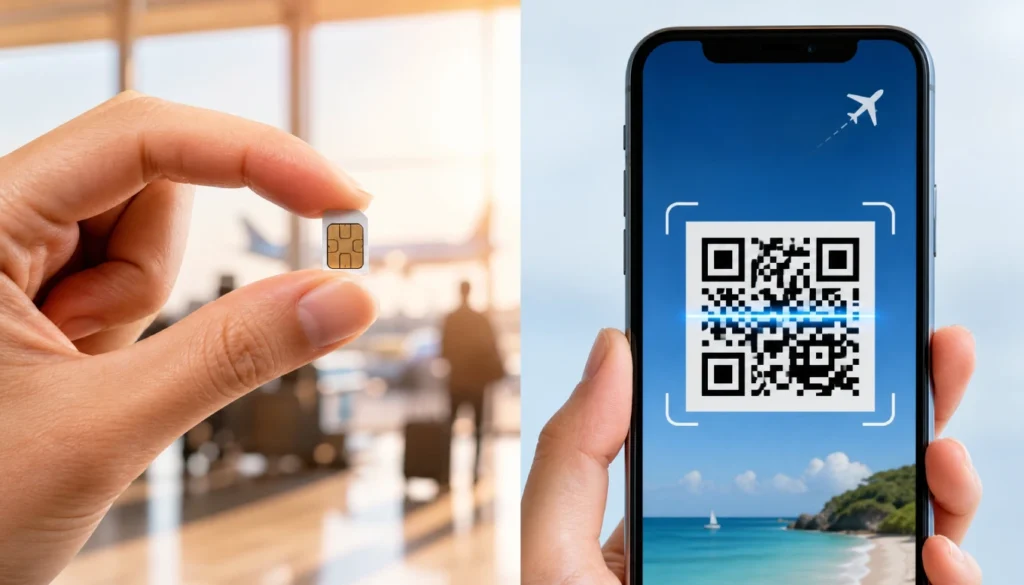
When I first checked my phone’s eSIM settings, I was surprised. There was just one toggle. I had expected something complicated, but it took about 90 seconds to set up.
eSIM vs. Physical SIM: A No-Nonsense Comparison
Here is a straight comparison so you can see the difference at a glance.
| Feature | Physical SIM | eSIM |
|---|---|---|
| Setup | Buy a card, insert manually | Scan the QR code online |
| Speed | 30+ minutes at a kiosk | Under 5 minutes from home |
| Cost | Varies; airport prices are high | Usually cheaper; plans start under $5 |
| Risk of losing it | Yes, it is a tiny physical card | No, it is built into your phone |
| Switch plans mid-trip | Need to swap cards | Switch instantly in settings |
| Works with your home number | No, you replace it | Yes, both can run at the same time |
The biggest practical advantage is that you keep your home SIM active. Your regular number still receives calls and texts. The eSIM runs as a second line purely for data while you travel.
Is eSIM better than a physical SIM for travel? For most travelers, yes. The only reason to choose a physical SIM is if your phone does not support eSIM or if you need a local phone number (not just data) for a specific country.
Why Travelers Are Switching to eSIMs (And a Few Honest Downsides)
The reasons people switch:
- No airport SIM card hunt. You set it up from your couch before you leave.
- Plans are genuinely cheap. A week of data in Europe can cost $8 to $20 depending on the provider.
- You are connected the second you land. No waiting, no searching for Wi-Fi.
- You can store multiple eSIM plans on one phone and switch between them.
- You keep your regular number active for important calls.
The honest downsides:
- eSIMs are data-only on most travel plans. You will not get a local phone number for that country.
- Older phones do not support eSIM. If your phone is from before 2018 (iPhone) or 2019 (most Androids), it probably does not have one.
- Some budget or prepaid phone models do not include eSIM support, even if they are recent.
- A small number of countries have restrictions on eSIM. Cuba and North Korea are examples, though most popular travel destinations have no restrictions.
Is Your Phone eSIM Compatible? Quick 10-Second Check
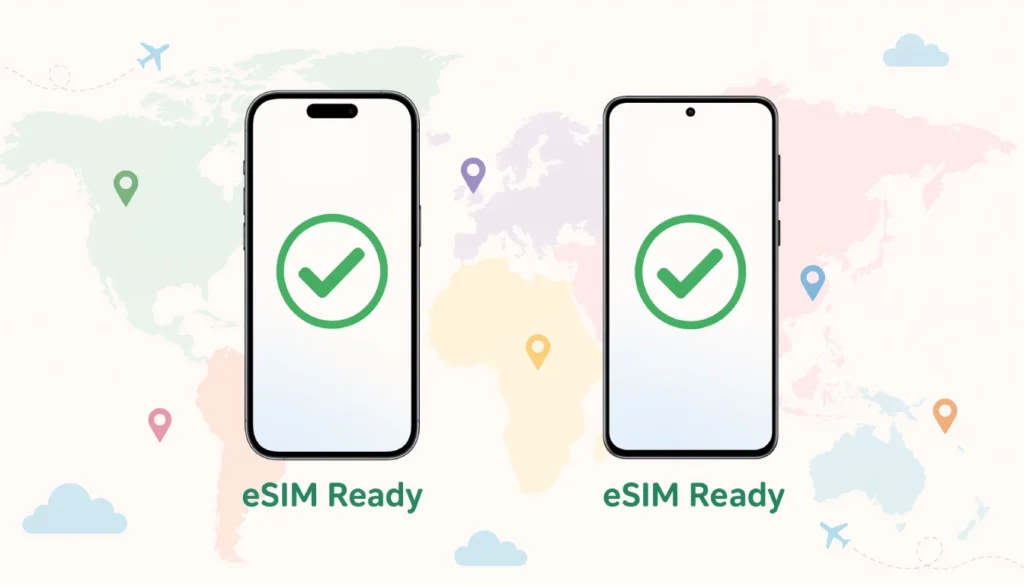
Most modern phones support eSIM. Here is a quick way to check yours.
On an iPhone: Go to Settings, then Cellular (or Mobile Data), then Add eSIM. If you see that option, your phone supports it. iPhones from the XS and XR (2018) onward are compatible. In the US, iPhone 14 and later models are eSIM-only and do not have a physical SIM tray at all.
On Android: Go to Settings, then Connections or Network, then SIM Card Manager. If you see an “Add mobile plan” or “Add eSIM” option, you are good. Samsung Galaxy S20 and newer, Google Pixel 3 and newer, and most flagship Android phones from 2019 onward support it.
Not sure? Search “[your phone model] eSIM support” on Google. It takes 10 seconds and gives a clear yes or no.
How to Get Your First Travel eSIM (3 Simple Steps)
This is the part that feels complicated but is actually very straightforward. Here is what to do.
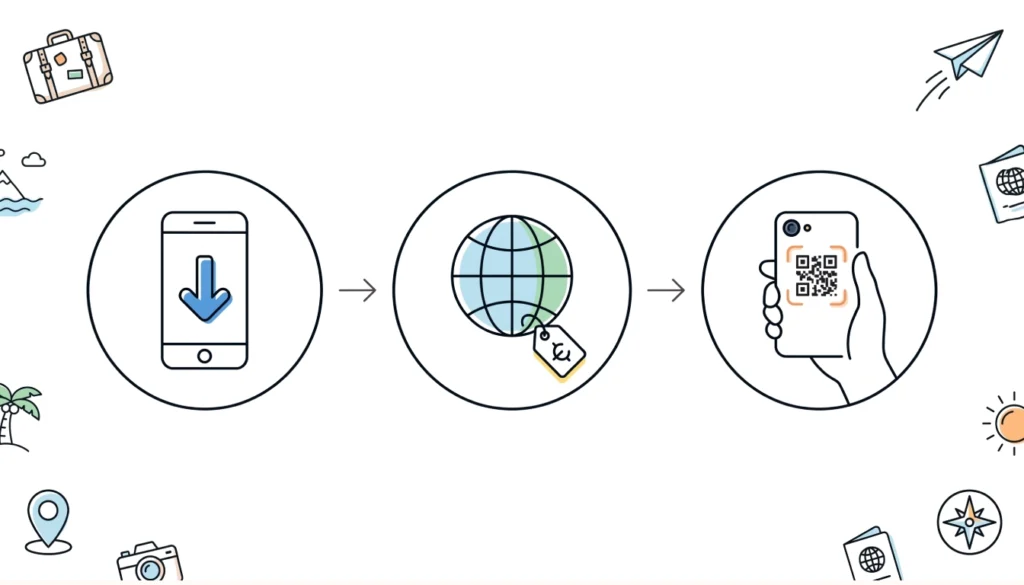
Step 1: Choose an eSIM provider and install their app
Do this before you leave home, ideally a day or two before your trip. Popular options include Airalo, Holafly, and Nomad. All three have user-friendly apps and work in most countries. Airalo is a good starting point because it covers 200+ countries and has plans starting around $4.50 for 1 GB.
Step 2: Pick a data plan for your destination
Search by country or region. You will see different options based on the data amount and length. A 1 GB plan works for light use (maps, messaging). A 5 to 10 GB plan covers most people for one to two weeks with normal browsing and some streaming.
Prices vary. Europe regional plans on Airalo start around $5 for 1 GB and go up to $30 for 20 GB. Japan and Southeast Asia plans are similarly priced.
Step 3: Scan the QR code and activate
After you purchase, the provider sends you a QR code by email. Go to your phone’s eSIM settings and choose “Add eSIM” or “Scan QR code.” Point your camera at the code and tap confirm. Your phone will download the plan in about 30 seconds.
You can set the eSIM to activate automatically when you arrive, or switch it on manually from settings once you land.
That is it. No kiosks, no tiny SIM pins, no stress.
Common Questions Travelers Ask (FAQ)
Can I use an eSIM and my regular SIM at the same time?
Yes. Most phones support dual SIM, meaning your home number stays active while the eSIM handles your data abroad. You can receive calls and texts on your regular number without paying roaming rates.
What happens if I run out of data?
You can buy a top-up or a new plan through the provider’s app, usually in under two minutes.
Do I need Wi-Fi to activate an eSIM?
Yes, you need a connection to download the plan. Do this at home or at the airport before you board. Once activated, you do not need Wi-Fi to use it.
Is an eSIM safe?
Yes. It uses the same security as a physical SIM. Your data is no more or less secure than with a regular plan.
Can I use an eSIM if I travel to multiple countries?
Yes. Some providers offer regional plans that cover multiple countries under one plan. Airalo’s Europe plan covers over 30 countries. Alternatively, you can buy separate plans per country and switch between them in your settings.
What if my phone is locked to a carrier?
Some carriers lock phones to prevent using other networks. Check with your carrier if your phone is unlocked. Most phones sold outright (not on a contract) are already unlocked.
Your Stress-Free eSIM Trip Checklist
Use this before your next trip.
- Confirm your phone model supports eSIM (check Settings > Cellular/SIM Manager)
- Confirm your phone is carrier-unlocked
- Download your preferred eSIM provider app (Airalo, Holafly, or Nomad)
- Search for your destination country or region
- Choose a data plan that matches your trip length and usage habits
- Purchase the plan and save the QR code email
- Scan the QR code in your eSIM settings at least the night before you fly
- Set the eSIM to activate on arrival or turn it on manually when you land
- Keep your home SIM active for calls and texts
Ready to Travel Without the Roaming Bill?
Understanding what an eSIM is and how it works for travel is the first step. The second step is actually using one. It is cheaper than roaming, faster than buying a local SIM, and easy enough to set up in under five minutes.
For your next trip, check your phone compatibility today, pick a provider, and try a small plan. Once you see how simple it is and how much you save, you will not go back to guessing at airport SIM kiosks.
If you have a question about eSIM setup for a specific phone or destination, drop it in the comments below. I read everyone.