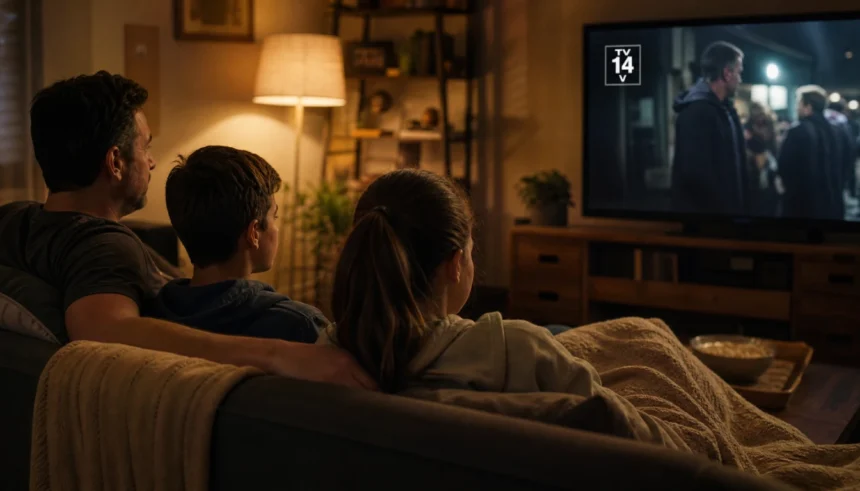
I still remember the night my younger cousin grabbed the remote and started watching a show labeled TV-MA — and nobody in the room caught it until things got very awkward, very fast.
That moment stuck with me. Not because of the content, but because of how confused everyone was afterward. What does TV-MA actually mean? Is TV-14 really okay for a 13-year-old? Why does the same platform show a TV-G cartoon right next to something rated TV-MA?
If you’ve ever squinted at a corner of your screen wondering what those little letters mean, you’re not alone. TV ratings can feel like a secret code nobody ever explained to you.
So let’s fix that. This guide breaks down the entire TV rating system — what every rating means, what those letter codes (D, L, S, V) stand for, and how to actually use ratings to make better viewing decisions for yourself or your family.
What Is the TV Rating System, Anyway?
The TV parental guidelines system was introduced in the United States in 1997, partly in response to pressure from parents and lawmakers who wanted clearer content warnings on television.
Think of it as the TV world’s version of movie ratings — similar to the MPAA system (G, PG, PG-13, R) but designed specifically for TV programming.
Today, these ratings are managed by the TV Parental Guidelines Monitoring Board, and you’ll see them in the top-left corner of your screen at the start of most shows. Streaming platforms like Netflix, Hulu, and Amazon Prime Video also use them — though they sometimes apply their own labels alongside.
The V-chip (a built-in TV feature) uses these ratings to help parents block specific content categories. It’s been around since 1999 and still works on most modern televisions.
Every TV Rating Explained (From Youngest to Oldest)
Here’s a clear breakdown of each rating in the TV content rating system, starting with content made for the youngest viewers:
TV-Y — All Children
Best for: Ages 2 and up
TV-Y content is made specifically for very young children. The themes are gentle, the storylines are simple, and nothing in the show would frighten or confuse a toddler. Think classic cartoons and early learning shows.
Examples: Peppa Pig, Blue’s Clues
TV-Y7 — Directed to Older Children
Best for: Ages 7 and up
TV-Y7 introduces slightly more complex storylines and mild conflict. A child under 7 might not fully understand the content or could find some scenes mildly unsettling.
Some TV-Y7 shows carry an extra tag: FV, which stands for Fantasy Violence. This means the show includes cartoon-style action or conflict that might be intense for very young kids.
Examples: Rugrats, Avatar: The Last Airbender (early seasons)
TV-G — General Audience
Best for: All ages, including families
TV-G is suitable for all ages but isn’t specifically designed for children the way TV-Y is. There’s little to no violence, no strong language, and no suggestive themes. It’s the kind of content the whole family can watch together without anyone reaching for the remote.
Examples: Nature documentaries, classic game shows
TV-PG — Parental Guidance Suggested
Best for: Kids with a parent nearby
TV-PG content may include mild violence, some suggestive dialogue, or infrequent mild language. It’s not harmful for kids, but parents might want to watch alongside younger children so they can answer questions or provide context.
What profanity is allowed in TV-PG? Mild words only — nothing heavy. Think “damn” or “hell” at most.
Examples: Friends (early seasons), The Fresh Prince of Bel-Air
TV-14 — Parents Strongly Cautioned
Best for: Ages 14 and up
This is where things get notably more mature. TV-14 meaning in plain terms: the content includes themes, language, or situations that most parents would consider inappropriate for children under 14.
Can a 13-year-old watch TV-14 shows? Technically, yes — but it depends on the child and the specific show. TV-14 can include:
- Intense or sustained violence
- Strong language (though not the most extreme)
- Suggestive sexual situations (but not explicit)
- Mature themes like addiction, abuse, or death
Examples: Stranger Things (earlier seasons), Grey’s Anatomy
TV-MA — Mature Audience Only
Best for: Adults 17 and older
TV-MA meaning is simple: this content is not suitable for anyone under 17. It’s the most restrictive rating in the system.
TV-MA shows can include graphic violence, explicit sexual content, very strong language, and deeply dark or disturbing themes. Streaming platforms like HBO and Netflix produce a lot of TV-MA content.
Is TV-MA only for adults? Yes — that’s its entire purpose. While a 15-year-old might watch it at home without parental restriction, the rating exists to signal that adult supervision and judgment are essential.
Examples: Game of Thrones, Euphoria, Ozark
What Do the Letters After the Rating Mean?
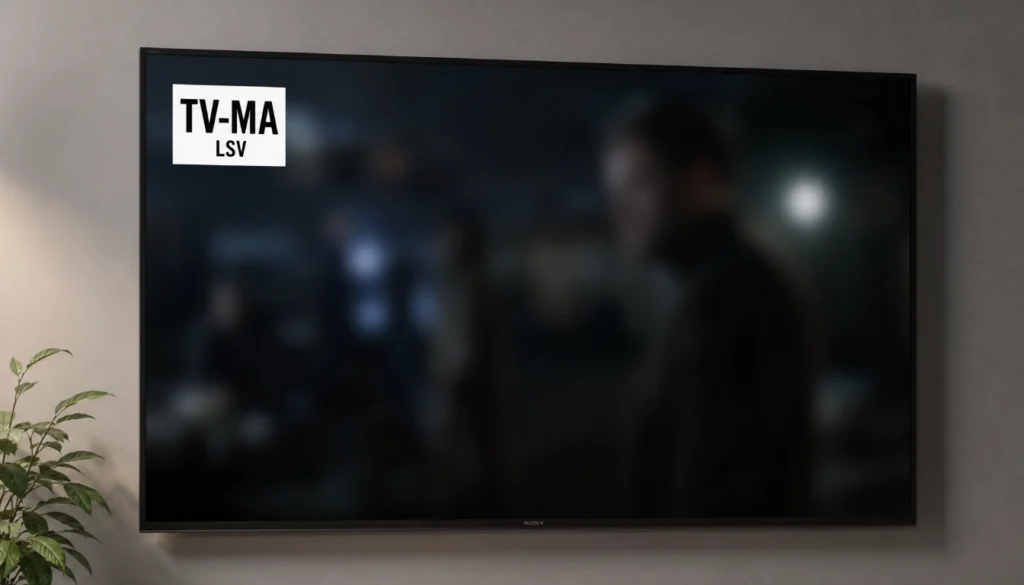
You’ve probably seen things like TV-14 D or TV-MA LSV and wondered what those extra letters mean. These are called content descriptors, and they give you a more specific picture of why a show received its rating.
| Letter | Stands For | What It Means |
|---|---|---|
| D | Suggestive Dialogue | Innuendo or sexual references in conversation |
| L | Language | Coarse or strong language |
| S | Sexual Content | Sexual situations or nudity |
| V | Violence | General violence |
| FV | Fantasy Violence | Cartoon or fantasy-style violence (TV-Y7 only) |
So if you see TV-MA LSV, that means the show contains strong language, sexual content, and violence. TV-14 D means the main concern is suggestive dialogue rather than outright violence or explicit content.
These descriptors are genuinely useful once you know what they mean — they let you get more specific than just the rating category.
TV-14 vs TV-MA: What’s the Real Difference?
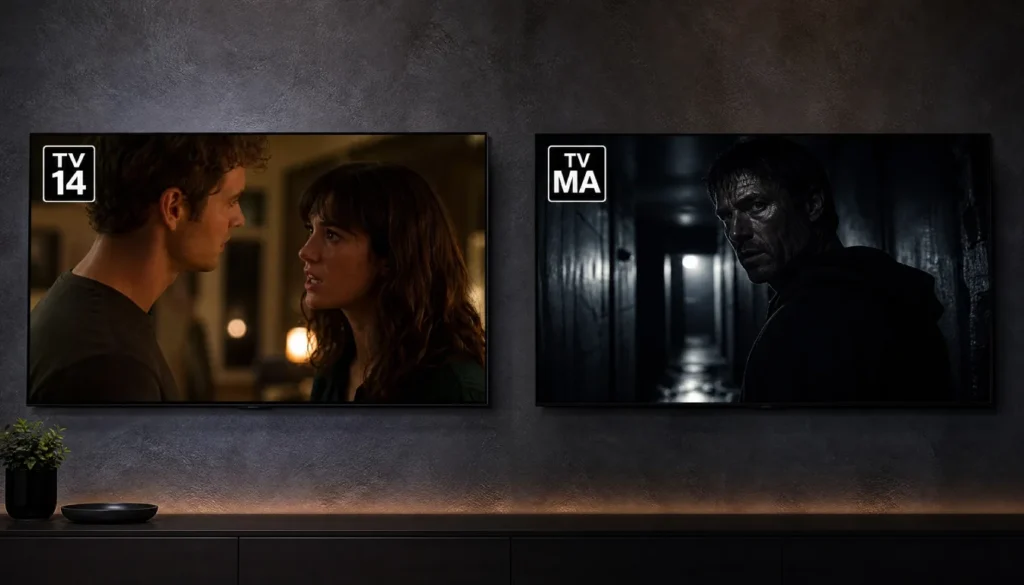
This is one of the most searched questions around TV ratings — and honestly, the line can feel blurry.
Here’s the clearest way to think about it:
- TV-14 is intense but not explicit. You might see a brutal fight scene, hear some strong language, or watch a storyline dealing with trauma — but the camera typically pulls back before things get graphic.
- TV-MA goes all the way. Explicit sexual content, graphic gore, sustained disturbing imagery, the strongest profanity — it’s all fair game.
Is TV-14 equivalent to PG-13? Pretty much, yes. The MPAA’s PG-13 and the TV-14 rating cover similar ground in terms of maturity, though the exact criteria differ slightly between film and TV.
Is TV-MA similar to an R-rated movie? Generally, yes — though some TV-MA content on streaming platforms goes further than what you’d typically see in an R-rated film.
How to Use TV Ratings for Parental Control
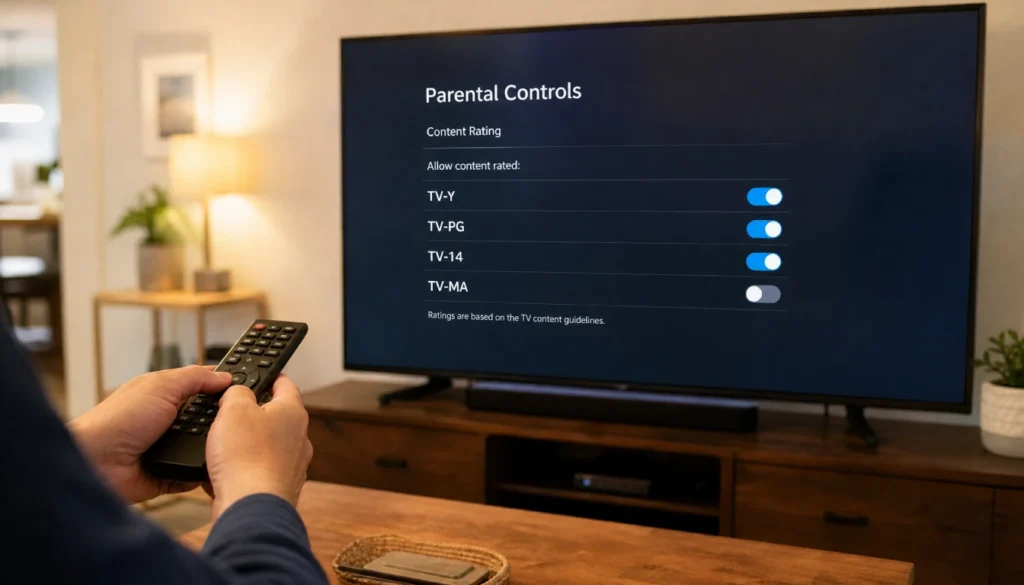
Knowing the ratings is one thing. Actually using them in your household is another.
Here are some practical ways to put the TV rating system to work:
1. Set up the V-chip on your TV. Most TVs manufactured after 2000 have this feature built in. Go into your TV settings and look for “Parental Controls” or “Content Restrictions.” You can block anything rated above a certain level.
2. Use streaming platform filters. Netflix, Hulu, Disney+, Amazon Prime Video, and others all let you filter content by maturity rating. On Netflix, you can set up a “Kids” profile that only shows TV-Y through TV-PG content.
3. Check before you play. Most streaming apps display the rating right on the show’s thumbnail or description page. Get into the habit of glancing at it before pressing play.
4. Talk to your kids. No rating system replaces an honest conversation. Explain what TV-14 means to a 12-year-old. Ask them to come to you if they see something confusing or upsetting.
Common Mistakes People Make with TV Ratings
- Assuming TV-G and TV-Y are the same. TV-G is for general audiences; TV-Y is specifically designed for young children. They’re different in purpose, even if both are “safe.”
- Ignoring the content descriptors. A TV-14 with just a “D” (dialogue) is very different from a TV-14 with “LSV.” Don’t skip the fine print.
- Thinking TV-MA always means extreme content. Some TV-MA shows are labeled that way for occasional strong language or a single mature scene — not wall-to-wall graphic content. But it’s still worth previewing.
- Forgetting that streaming platforms self-rate. Unlike broadcast TV, most streaming services rate their own content without external oversight. The standards can vary slightly between platforms.
Frequently Asked Questions
Can TV-14 have nudity?
Brief or non-graphic nudity can appear in TV-14 content, but it’s not common. Explicit nudity is generally reserved for TV-MA.
What age is TV-MA appropriate for?
The rating is intended for viewers 17 and older. That said, parental discretion is key — some TV-MA shows are more intense than others, and the content descriptors help you judge.
Do all TV shows have official ratings?
Most broadcast and cable shows do. Streaming originals are typically self-rated by the platform, and some web series or independent productions may not carry official ratings at all.
How is the TV rating system different from MPAA movie ratings?
They cover similar ground but operate independently. The MPAA rates films (G, PG, PG-13, R, NC-17), while the TV Parental Guidelines cover television. A TV-14 show is roughly comparable to a PG-13 film, and TV-MA is roughly equivalent to an R rating.
How do I find the rating of a show before watching it?
Check the show’s info page on your streaming platform — the rating is almost always listed there. You can also search the show’s name plus “TV rating” to find it quickly.
A Quick Reference Chart
| Rating | Age Range | Content Level |
|---|---|---|
| TV-Y | 2+ | Very gentle, made for young children |
| TV-Y7 | 7+ | Mild conflict, slightly more complex |
| TV-G | All ages | Family-friendly, no mature content |
| TV-PG | Kids with parents | Mild language, light themes |
| TV-14 | 14+ | Strong language, mature themes, some violence |
| TV-MA | 17+ | Explicit content, graphic violence, adult themes |
Final Thoughts
TV ratings aren’t perfect — no system ever is. But once you understand what TV-14 means, what the letters like D, L, S, and V actually stand for, and how TV-MA differs from everything below it, you have a genuinely useful tool for navigating what’s worth watching (and what’s worth skipping, or saving for later).
Whether you’re a parent trying to make smart choices for your kids, an educator teaching media literacy, or just someone who’s always been curious about those little icons in the corner of the screen — you now have everything you need.
The TV parental guidelines system isn’t meant to tell you what to watch. It’s meant to give you the information to decide for yourself.
And that, honestly, is the whole point.
Have questions about a specific show’s rating? Confused about a content descriptor you’ve seen? Drop it in the comments — I’d love to help you figure it out. And if this guide was useful, share it with a friend who’s been just as puzzled by those rating codes as you once were.