You just finished a movie and thought, “Wait, that café looks amazing. I wonder if it’s near me.” You Google it. You get dead ends or spoilers from a ten-year-old forum thread.
Finding real filming spots doesn’t have to be that hard. This guide shows you how to find filming locations near me using free tools and a few tricks that actually work. No industry connections needed.
By the end, you’ll know exactly where to look, how to confirm a spot is real, and how to plan your own mini movie tour this weekend.
What “Filming Locations Near Me” Really Means (And What It Doesn’t)
Searching for filming locations near me usually means one of two things. You saw a specific movie and want to find that exact spot. Or you want to know what’s been filmed anywhere close to your city.
Both searches lead to different tools. A specific scene needs detective work. A general search needs a database.
Here’s the catch most guides skip. Not every location is open to the public. Some are private homes. Some are studio backlots you can’t just walk onto. Knowing the difference saves you a wasted trip.
Start With What You Already Know: The Movie Title, a Scene, or a Vague Memory
Before you open any app, gather what you remember. Write down the movie title, the year, and any details from the scene. A street sign, a mountain in the background, a specific type of storefront.
Even a vague memory helps. “There was a red door” or “you could see water in the distance” narrows your search fast.
Key takeaway: the more specific your starting clue, the less time you’ll waste later.
The Free Google Maps Method That Almost Nobody Uses
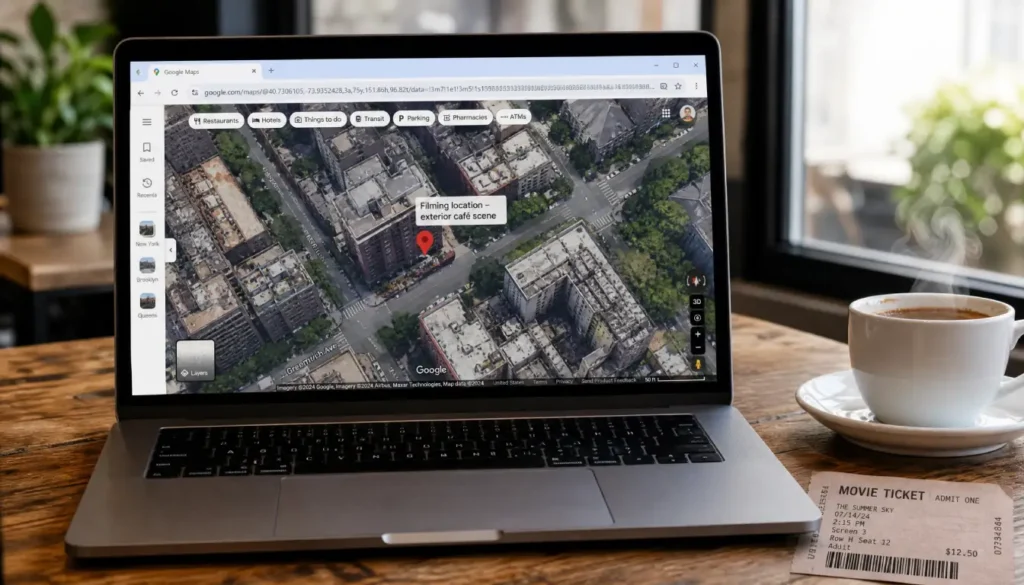
Most people search for movie sets near me directly in Google and stop there. Skip that step. Go straight to Google Maps and use its search bar with the movie title plus “filming location.”
Many locations already have user-submitted pins with photos and reviews mentioning the film. Look for pins with camera icons or reviews that mention “movie” or “filmed here.”
Once you find a real spot, save it to a custom list. Name the list after the movie. This turns Google Maps into your personal location tracker.
Step 1: Open Google Maps and search the movie title plus “location.”
Step 2: Check the reviews tab for mentions of filming.
Step 3: Save confirmed spots to a named list for later.
I once spent three hours trying to find the exact London mews street from “Love Actually.” IMDb gave me a district. Google Maps got me close. But it was a 2018 Instagram post with a geotag that finally led me to the pink door. That’s why I always check social media as a last verification step.
IMDb Is a Goldmine: Here’s How to Dig Into the Filming Locations Section
Every major movie has a dedicated page on IMDb, and most list actual filming locations. Search the movie title, click “Filming & Production,” then look for “Filming Locations.”
This section often lists the city and, sometimes, the exact street. It’s the closest thing to an official record you’ll find for free.
The catch: IMDb usually stops at a city or neighborhood. It rarely gives you the exact door or bench. That’s where you’ll need to cross-reference with Maps or social media.
Instagram and TikTok: Turn Social Media Into Your Personal Location Scout
This is the step most beginners skip, and it’s the one that actually finds exact spots. Search the movie title as a hashtag or location tag on Instagram.
Fans geotag filming spots constantly. A quick search for “[movie name] filming location” on Instagram or TikTok often turns up recent visitor photos with exact geotags.
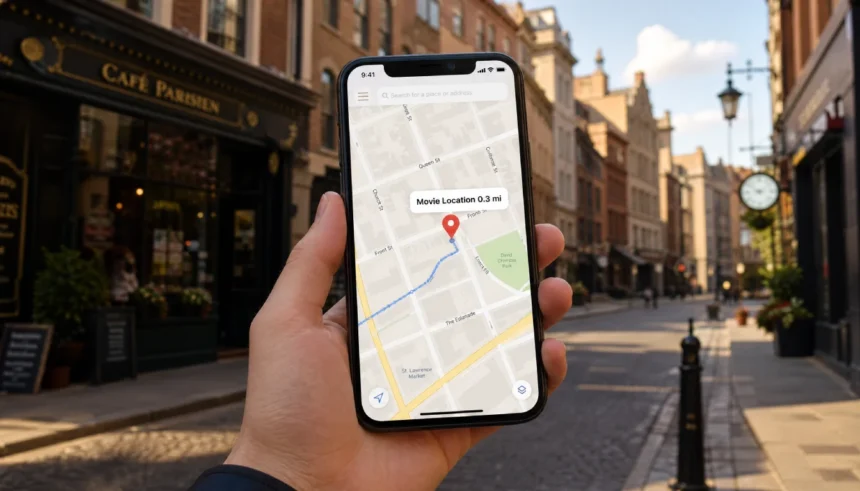
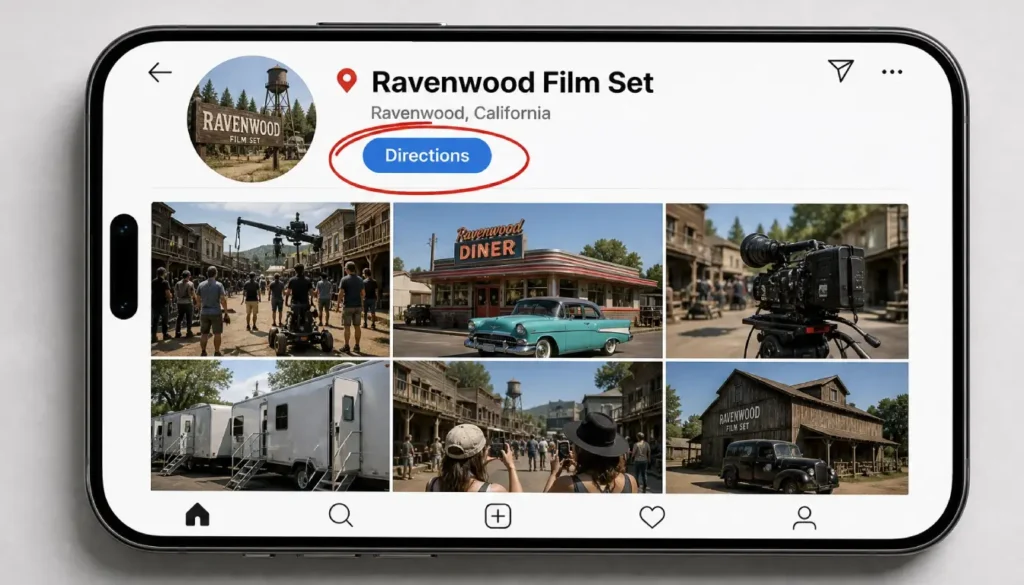
Tap the location tag, then tap “Directions.” It opens straight into Maps with the precise coordinates.
Step 1: Search the movie title plus “location” on Instagram or TikTok.
Step 2: Open posts with a location tag attached.
Step 3: Tap the tag and hit “Directions” to get exact coordinates.
I’ve helped several friends plan location trips this way, and the most common mistake is trusting an old blog post over a fresh geotag. Locations change. A café might close. A mural might get painted over. Recent posts give you the current reality, not a five-year-old guess.
5 Free Apps and Websites That Do Most of the Detective Work for You
If you want apps to find movie filming locations without piecing it together yourself, these five do most of the legwork.
- Movie Maps: A free web tool that plots filming locations directly on a map by movie title.
- On The Set Of New York (and similar city-specific sites): Great if you’re near a major production hub like New York or LA.
- Atlas Obscura: Not movie-specific, but often lists filming spots tied to unusual or historic places.
- Google Earth Voyager: Some curated tours include famous film locations with satellite views.
- Reddit’s r/MovieLocations: A community thread where fans post confirmed spots with photos and directions.
None of these are perfect on their own. Combine two or three, and you’ll cover almost any movie made in the last twenty years.
How to Verify a Spot Is Publicly Accessible (And What to Do If It’s Not)
This step gets skipped constantly, and it causes real problems. Some filming locations are private residences. Showing up uninvited is not okay, even if you’re polite about it.
Before you go, check these things:
- Is the location a business, park, or public street? Those are generally fine to visit.
- Is it a private home? Look for a nearby public viewpoint instead.
- Does Google Street View show “No Trespassing” signs or gated access?
If a spot turns out to be private, look one block over. Often there’s a public sidewalk or park with a similar view. You still get the photo without bothering anyone.
Key takeaway: respect for the location matters more than the perfect photo.
Create Your Own Self-Guided Movie Tour in Under 30 Minutes
Once you’ve confirmed two or three spots near you, turn them into an actual route. Open your saved Google Maps list, then use the “Directions” feature with multiple stops.
Order the stops by distance, not by scene order in the movie. This saves the most walking or driving time.
Add one non-movie stop, like a coffee shop or lunch spot, between locations. It breaks up the day and makes the trip feel less rushed.
Step 1: Pull up your saved filming location list.
Step 2: Add all stops to Google Maps directions in the most efficient order.
Step 3: Insert a food or rest stop halfway through.
Step 4: Screenshot the route so it works without signal.
Frequently Asked Questions
Is it legal to visit a filming location?
Yes, if it’s on public property like a street, park, or business. Private homes are a different story. Always check before you go.
How do I find film locations near me without knowing the movie title?
Search “movies filmed in [your city]” on Google or IMDb. Most cities with any production history have a dedicated list somewhere online.
Can I take photos at a working movie set?
Usually not while filming is active. Crew members will tell you to stay back. Wait until production wraps, which is often public knowledge once the movie releases.
Are there free ways to find film sets near you without paying for an app?
Yes. Google Maps, IMDb, and social media geotags cover almost every case, and all three are free.
Wrapping Up Your Search
Finding real filming locations near you comes down to combining a few free tools instead of relying on just one. Start with IMDb for the general area, use Google Maps to narrow it down, and confirm with a recent Instagram or TikTok geotag.
Once you’ve found a spot, always double-check it’s public before you show up. Then turn your finds into a proper mini tour so the trip feels planned instead of rushed.
That’s really all it takes to go from “I wonder if that’s near me” to standing in front of the actual door, bench, or storefront from your favorite movie. Give the Google Maps method a try this weekend and see what turns up in your own city.
Got a filming location you’ve tracked down yourself? Drop it in the comments. I’d love to add it to a future roundup.