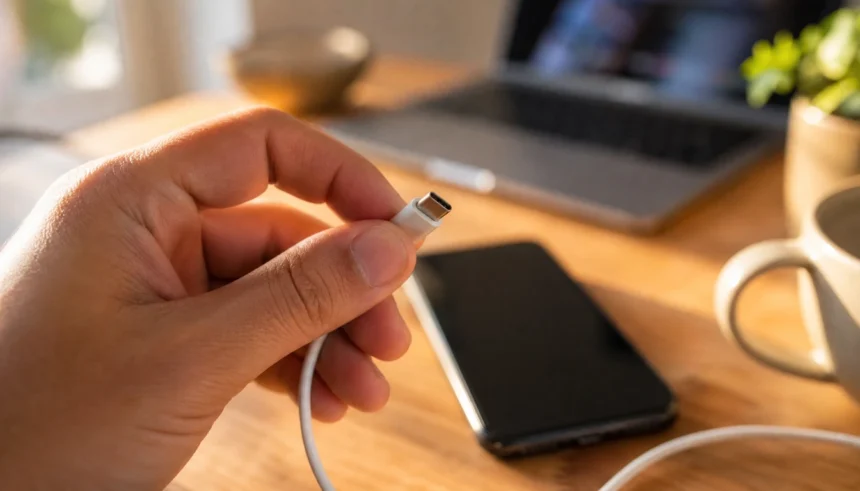
Last year I plugged my phone into a random cable I found in a kitchen drawer. Ten minutes later, the connector felt hot enough to worry me. I unplugged it fast and just stood there staring at my phone, wondering how close I came to a real problem.
That moment changed how I think about USB cable safety. I used to grab whatever cable was closest. Now I check every single one before it touches my phone or laptop.
If you have ever wondered whether your charging cable is safe, you are not alone. Most people never think about it until something goes wrong. A cable that overheats, sparks, or corrupts your data is more common than you think.
This guide walks you through everything you need to know. You will learn the warning signs of an unsafe USB cable, how to test one at home, what certifications actually mean, and how to pick a cable you can trust. Let’s get into it.
Why USB Cable Safety Actually Matters
A cable seems like the most boring part of your tech setup. But it carries electricity straight into your phone or laptop battery. When something goes wrong with a cable, it goes wrong fast.
Bad cables cause three main problems. They can overheat and start fires. They can damage your battery over time. And some can even steal your data without you knowing.
I am not trying to scare you. Millions of people use cheap cables every day without issue. But knowing the signs of a safe USB cable protects you from the rare cases that turn into real damage.
Signs Your USB Cable Might Be Unsafe
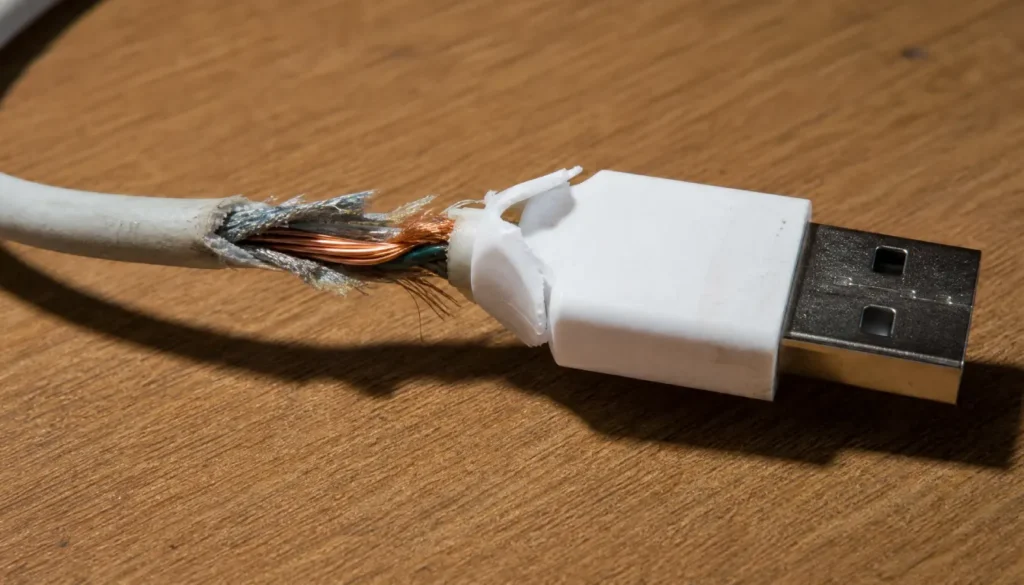
Here are the warning signs I check for every time I use a new or unfamiliar cable.
- The cable feels hot during charging, not just warm
- You smell something burning or plastic-like near the plug
- The connector wiggles loosely in the port
- You see exposed copper wire anywhere along the cord
- The cable charges your device much slower than usual
- Your phone shows a popup about an unrecognized accessory
- The plastic coating is cracked, peeling, or discolored
If you notice even one of these, stop using the cable right away. It is not worth the risk to save five dollars on a replacement.
How to Tell If a USB Cable Is Safe to Charge Your Phone
Charging safety comes down to three things: heat, connection, and speed. A safe cable stays cool, connects firmly, and charges at a normal rate for your device.
Here is a simple test. Plug in your phone and check the cable near the connector after five minutes. It should feel warm at most, never hot to the touch. If it feels like a stove burner, unplug it immediately.
Next, wiggle the connector gently while it is plugged in. A safe cable stays locked in place. A loose or wobbly connection means the internal wires may be damaged or poorly made.
How to Inspect a USB Cable for Damage Step by Step
I do this quick check on every cable I buy or find lying around. It takes less than a minute.
- Look at the full length of the cord for cracks or splits in the coating
- Check both ends for bent pins or loose housing
- Bend the cable gently near the connector to look for exposed wire
- Press along the cord to feel for any stiff spots or lumps
- Plug it in and watch for flickering charge icons or connection drops
If it passes all five steps, you are likely dealing with a safe cable. If it fails even one, replace it.
Counterfeit USB Cable Dangers You Should Know
Fake cables are everywhere, especially on marketplace sites and in bargain bins. They look almost identical to the real thing, but the inside tells a different story.
Counterfeit cables often use a thinner wire gauge than they should. This causes them to overheat under normal charging loads. Some skip safety components entirely, like the small chips that regulate power flow in USB-C cables.
The scary part is that a fake cable can still charge your phone just fine, for a while. The damage builds up slowly. Your battery degrades faster, or the cable eventually fails at the worst possible moment.
MFi Certified and USB-IF Certified Cables Explained
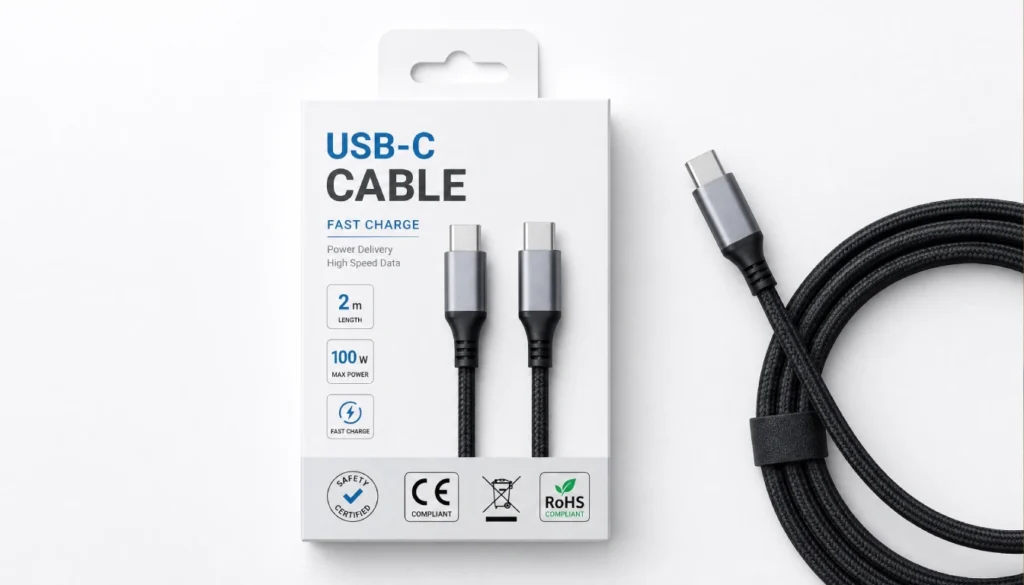
These two certifications are your best friend when shopping for a safe cable.
| Certification | What It Means | Where to Find It |
|---|---|---|
| MFi Certified | Approved by Apple for iPhone and iPad compatibility and safety | Small “Made for iPhone/iPad” badge on packaging |
| USB-IF Certified | Meets official USB safety and performance standards | USB-IF logo printed on box or cable itself |
| UL Listed | Tested for electrical and fire safety | UL mark on packaging |
Before buying, look for one of these marks. If a cable has none of them and costs two dollars, that price tells you something.
USB Killer Cables and Data Security Risks
Not every cable danger is about fire or heat. Some cables are built to steal information or damage your device on purpose.
A USB killer cable looks completely normal but contains hidden hardware. Plugging it in can fry your device’s circuits within seconds. These are rare, but they exist and are sold online for malicious use.
More common are cables with hidden chips that can log your keystrokes or access your files during charging. This mostly affects public charging stations, not cables you buy from trusted stores.
Quick Tips to Avoid Juice Jacking
- Use your own charger and cable when traveling, not public station cables
- Carry a USB data blocker if you charge in airports or hotels often
- Buy cables only from stores you trust, not random online sellers
- Avoid cables sold without any brand name or packaging
How to Test a USB Cable With a Multimeter
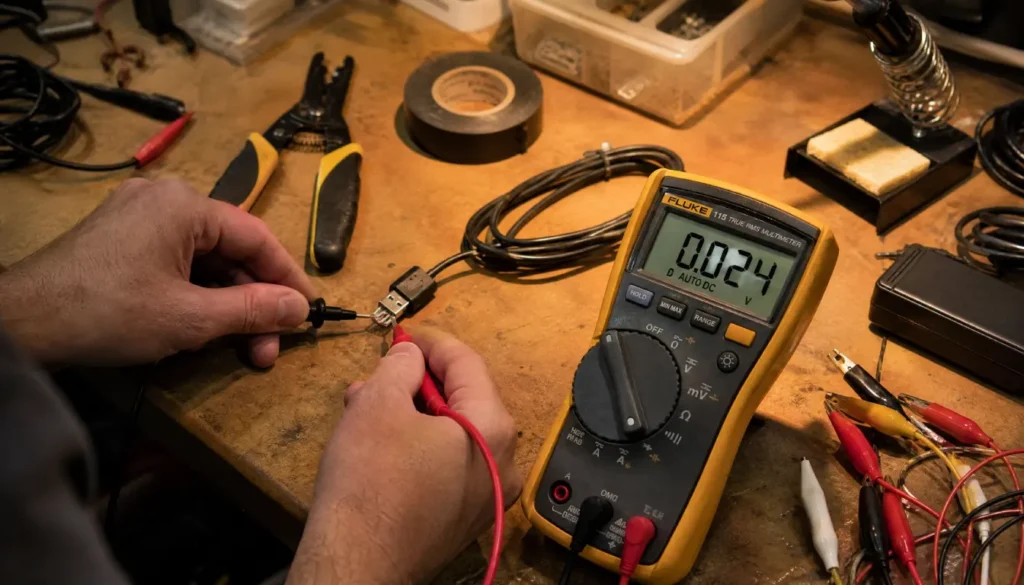
If you want to go a step further, a multimeter gives you real answers about a cable’s safety.
Set your multimeter to continuity mode. Touch one probe to each end of the same wire inside the connector. A steady beep means the wire is intact. Silence means a break somewhere inside.
You can also check voltage while the cable is charging a device. A safe USB cable should show output close to what your charger is rated for, usually around 5 volts for standard charging. A big drop signals resistance problems inside the cable.
This test takes a bit of patience the first time, but it removes all guesswork.
Mistakes to Avoid With USB Cable Safety
I have made a few of these mistakes myself, so consider this a friendly warning.
- Do not tape over exposed wire and keep using the cable anyway
- Do not leave cables coiled tightly for storage, since this stresses the wire
- Do not buy the cheapest option just because it is cheap
- Do not ignore a cable that charges slower than it used to
- Do not use a cable near water or damp surfaces if the coating is cracked
Small habits like these make a real difference over time.
Choosing a Safe USB Cable for the Future
When you are ready to buy a new cable, keep it simple. Look for certification marks, check reviews for overheating complaints, and stick to brands with a track record.
Braided cables tend to last longer because the outer layer resists cracking. They cost a bit more, but I have replaced far fewer of them compared to basic rubber-coated cables.
If you charge multiple devices daily, consider keeping a dedicated charge-only cable for public places. It skips data transfer entirely, which removes the data theft risk altogether.
Frequently Asked Questions
How can I tell if a USB cable is safe just by looking at it?
Check for cracks, exposed wire, and a firm connector fit. A safe cable looks smooth, feels solid, and has no visible damage anywhere along the cord.
Can a bad USB cable actually damage my phone battery?
Yes. Cables with inconsistent power delivery can stress your battery over time, leading to faster degradation and reduced battery life.
Is it safe to use a USB cable with a small crack if I tape it?
No. Tape does not restore safe insulation. Replace the cable instead of patching it, since exposed wire under tape can still overheat or short.
How do I know if a USB-C cable is certified and safe?
Look for the USB-IF logo on the packaging or the cable itself. You can also check the brand’s website, since certified products are usually listed there.
Why does my USB cable get hot while charging?
Mild warmth is normal. Excessive heat usually means thin wiring, a damaged cable, or a charger mismatch. If it feels hot to the touch, stop using it.
Final Thoughts
Checking your USB cable takes less than a minute, but it protects your devices, your data, and honestly your peace of mind. A little attention now saves you from a bigger headache later.
You do not need to throw out every cable you own today. Just start paying attention. Check the ones you use most, look for certification marks when buying new ones, and trust your gut if something feels off.
I would love to hear about your own experience. Have you ever had a cable overheat or fail on you? Drop a comment below and share what happened, or ask any questions you still have about keeping your cables safe.