
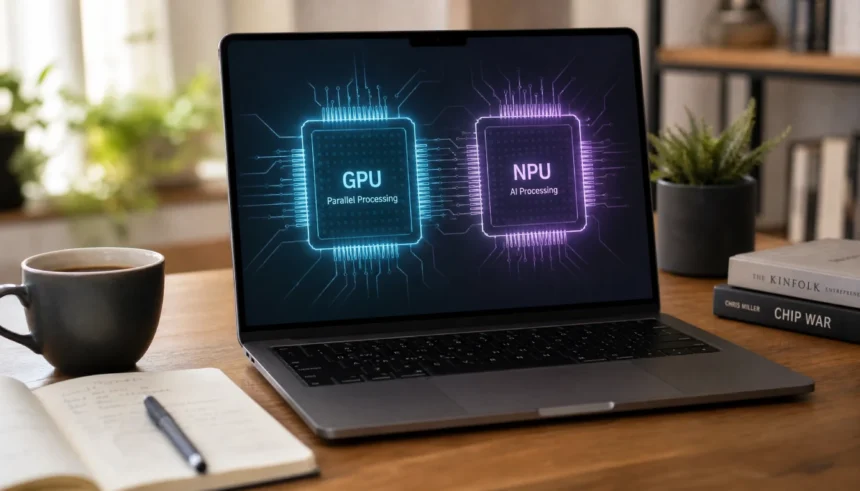
Last month I bought a new laptop. The salesperson kept saying, “This one has an NPU,” as if I was supposed to know what that meant. I nodded, smiled, and went home to Google it. Turns out I wasn’t alone. A lot of people are staring at spec sheets right now, confused by the same three letters.
If you’ve ever wondered what an NPU is or how it differs from the GPU you already know about, you’re in the right place. I spent hours reading, testing, and asking tech friends dumb questions so you don’t have to. This guide breaks down NPU vs GPU in plain English. No jargon. No confusing diagrams. Just answers.
By the end, you’ll know what each chip does, why laptops and phones suddenly need both, and which one actually matters for your daily use.
What Is an NPU? The Simple Version
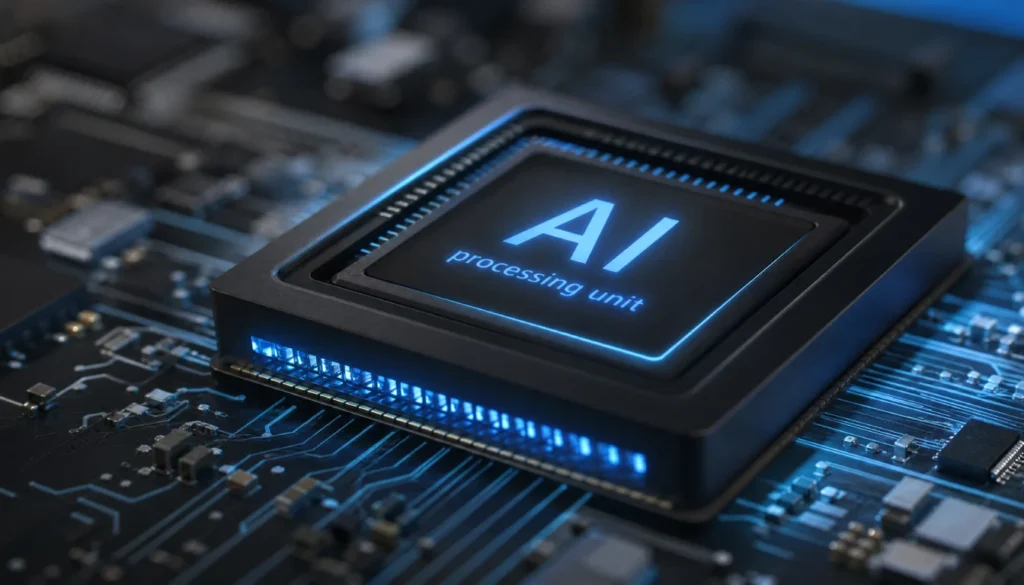
NPU stands for Neural Processing Unit. Its whole job is to run AI tasks. Think of it as a chip built only for one thing: handling neural network calculations, fast and with very little power.
Your phone’s face unlock, your camera’s background blur, your laptop’s noise-canceling mic. Those all run on an NPU when your device has one. It works quietly in the background so your battery lasts longer.
Here’s the NPU meaning in one sentence: it’s a specialized processor that makes AI features run smoothly without draining your battery or slowing down your other apps.
What Is a GPU? A Quick Refresher
You probably already know the GPU, or Graphics Processing Unit. It renders your games, powers your video editing software, and handles anything visually heavy. GPUs are built to do thousands of calculations at once, which makes them great for graphics and, it turns out, AI too.
Before NPUs became common, GPUs did most of the AI-heavy lifting. They still do, especially for big tasks like training AI models. But GPUs use a lot of power. That’s fine for a desktop plugged into the wall. It’s not great for a laptop trying to survive a workday on battery.
NPU vs GPU: The Core Difference
Here’s the difference between NPU and GPU boiled down to basics:
- GPU: built for graphics and heavy parallel processing, uses more power, great for gaming and training AI models
- NPU: built only for AI tasks, uses very little power, great for everyday AI features like voice assistants and photo editing
Think of the GPU as a powerful all-rounder. It can do graphics, AI, and more. The NPU is a specialist. It does one job, and it does it efficiently.
NPU vs GPU Performance: Which One Wins?
This depends entirely on the task. For gaming or video rendering, the GPU wins every time. For quick, everyday AI tasks like background blur in a video call, the NPU wins because it uses far less battery.
Here’s a simple performance comparison:
| Task | Better Choice | Why |
|---|---|---|
| Gaming | GPU | Built for real-time graphics rendering |
| Training AI models | GPU | Handles massive datasets and parallel workloads |
| Everyday AI features (voice, camera, translation) | NPU | Low power, always-on efficiency |
| Video editing | GPU | Needs raw processing power |
| Battery life during AI tasks | NPU | Uses a fraction of the power a GPU needs |
If you’re chasing raw power, the GPU still leads. If you care about battery life and smooth everyday AI features, the NPU is the real hero.
How NPU Works vs GPU: A Beginner-Friendly Breakdown
Both chips work with numbers, lots of them, at the same time. That’s called parallel processing. But they’re built differently.
A GPU has thousands of small cores designed for a wide range of tasks. It’s flexible, which is great, but that flexibility costs power.
An NPU is built around one goal: matrix multiplication for neural networks. It skips anything unrelated to AI. That focus is exactly why it sips power instead of draining it.
If you want to explain NPU and GPU to someone with zero tech background, try this: the GPU is a busy kitchen that can cook almost anything. The NPU is a specialty station that only makes one dish, but makes it fast and with barely any mess.
Why Do We Need an NPU If We Already Have a GPU?
Good question. I asked the same thing. The short answer is battery life and always-on AI.
Your phone needs to run face detection, voice commands, and photo processing constantly throughout the day. If it used the GPU for all of that, your battery would drain in hours. The NPU handles these smaller, repetitive AI tasks quietly, so your GPU stays free for graphics-heavy work like games or video calls.
This is also why terms like AI PC and Copilot+ PC exist now. Microsoft set minimum NPU TOPS requirements for these devices, meaning your laptop needs a certain level of AI processing power built in just to qualify for the label.
NPU vs GPU in Real Devices
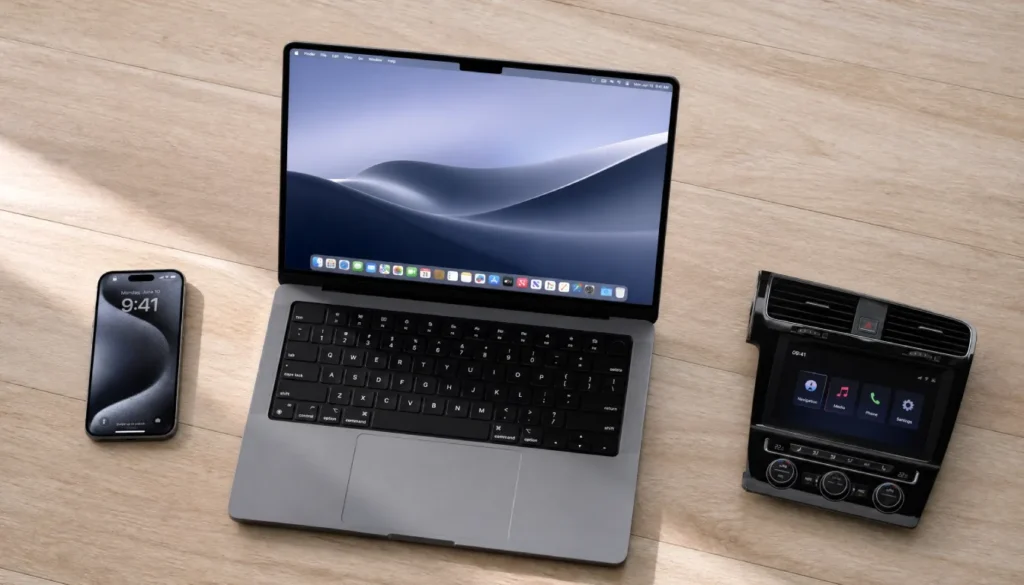
Let’s make this practical. Here’s where you’ll find NPUs and GPUs working together in devices you probably already own or are shopping for.
Smartphones: Your phone’s Neural Engine (Apple) or Hexagon NPU (Qualcomm) handles Face ID, photo enhancement, and predictive text. The GPU still handles games and video playback.
Laptops Intel’s AI Boost, AMD’s Ryzen AI, and Apple’s M-series chips all include NPUs now. They run Windows Studio Effects, background blur, and live captions without touching your GPU.
Cars’ self-driving features rely on both. GPUs process massive amounts of visual data. NPUs handle quick, real-time decisions with low power draw, which matters a lot when a car’s electrical system has other priorities.
NPU vs GPU for AI Art, Video, and Language Models
If you’re into AI art generation or running a large language model locally, you’ll mostly rely on the GPU. These tasks are heavy and need serious processing power. Most current NPUs aren’t built to handle full model training or complex generation tasks yet.
That said, NPUs are getting better at handling smaller AI inference tasks, like applying filters or running lightweight chatbots on-device. Expect this gap to shrink as NPU technology improves over the next few years.
Mistakes to Avoid When Comparing NPU and GPU
A few things trip people up when shopping for a new device:
- Don’t assume a higher NPU TOPS number automatically means a better laptop. Check your actual use case first.
- Don’t skip the GPU spec if you game or edit video. The NPU won’t help you there.
- Don’t confuse “AI PC” marketing with actual performance. Read reviews, not just labels.
- Don’t expect your old laptop’s GPU to run AI tasks as efficiently as a modern NPU. It can, but it’ll cost you battery life.
How to Check If Your Laptop Has an NPU
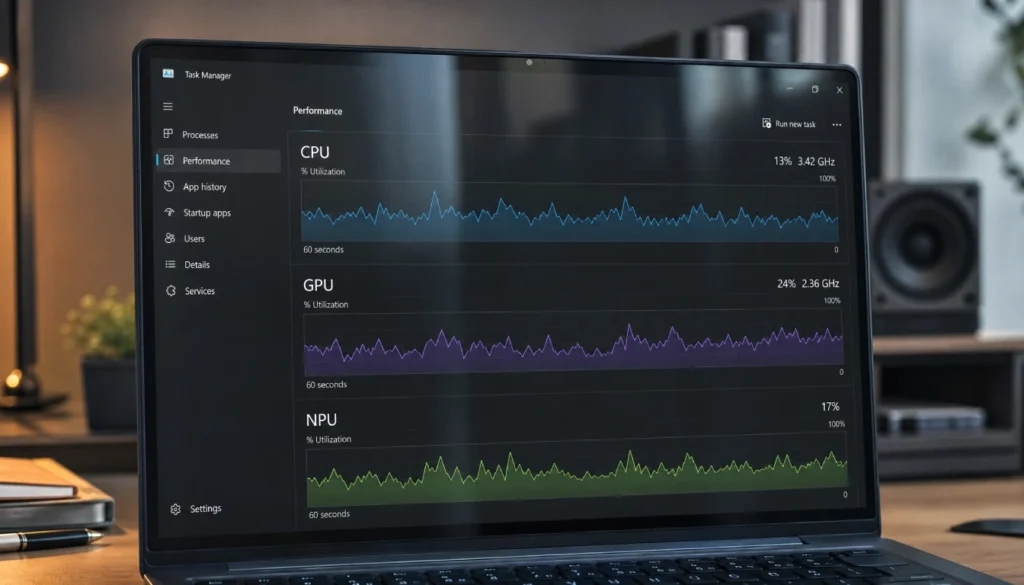
Open your Task Manager on Windows and check the Performance tab. If your laptop has an NPU, it’ll show up as a separate section next to CPU and GPU. On Mac, any M-series chip includes an Apple Neural Engine by default.
If you don’t see one listed, your device is still relying on the CPU or GPU for AI tasks. That’s not a dealbreaker, just something to know before you buy AI-heavy software.
FAQs
What does NPU stand for in computers?
NPU stands for Neural Processing Unit. It’s a chip designed specifically to handle AI and machine learning tasks efficiently.
Are NPUs better than GPUs for deep learning?
For training large models, no. GPUs still lead there. For running smaller AI tasks on your device day to day, NPUs are more efficient and use less power.
Do I need an NPU in my laptop?
If you use AI features like live captions, background blur, or voice assistants often, an NPU helps a lot. If you mainly use your laptop for browsing or office work, it’s a nice bonus, not a requirement.
Can a GPU do everything an NPU does?
Yes, technically. But it’ll use more power and generate more heat doing it. The NPU exists to do the same job more efficiently.
Why is NPU vs GPU such a big deal in 2025?
Because AI features are now built into everyday software, from photo editing to writing assistants. Chipmakers added NPUs so your device can run these features without killing your battery.
Final Thoughts
Here’s what it comes down to. The GPU is your powerhouse for graphics and heavy AI training. The NPU is your quiet, efficient helper for everyday AI tasks. You don’t have to choose one over the other anymore. Most modern devices use both, each doing what it does best.
Next time someone at the store mentions “this one has an NPU,” you’ll know exactly what they mean, and whether it actually matters for how you use your device.
Got questions about a specific laptop or phone spec? Drop them in the comments. I read every one, and I love a good tech rabbit hole.