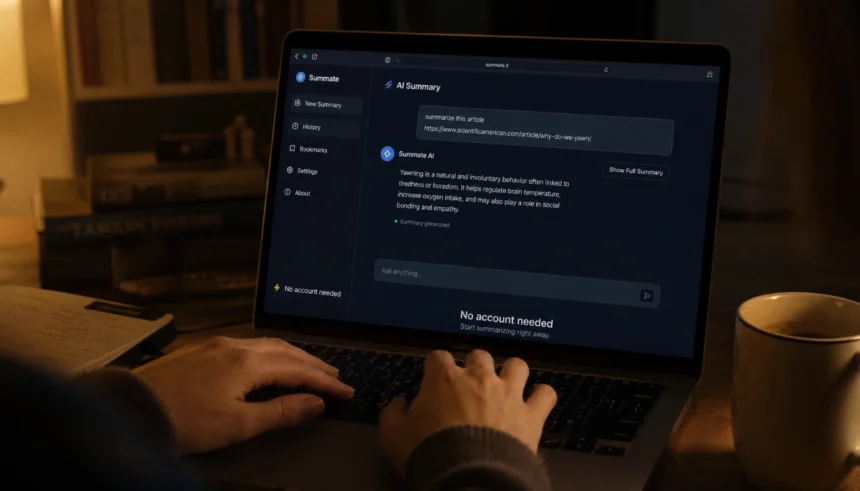
I still remember sitting at my laptop at midnight, essay due in six hours, brain completely fried.
I knew AI tools could help me. I had seen people talk about them online. But every time I clicked on one, it asked me to sign up, verify my email, pick a plan, or enter a credit card. I just wanted help with one paragraph. Not a subscription.
If you have been there, you know how exhausting that is. You are already stressed. The last thing you need is a four-step registration wall between you and a summarized research paper.
Good news: there are genuinely free AI tools for students that need zero signup, no email, no account, nothing. You open the page and start using it.
This article covers the best ones, organized by what you actually need them for.
Why Students Need Free AI Tools With No Signup
Let me be direct about why this matters.
Most students are working with limited time, limited money, and limited patience for terms and conditions. Free AI websites that ask for your email are fine sometimes, but they also lead to spam, upsells, and data collection you never agreed to.
No sign-up AI tools for students solve a real problem: instant access, no friction, no strings. You use the tool, you close the tab, you move on with your life.
They are also great for privacy. No account means no profile, no usage history, no ads targeting you based on what you searched at 2 a.m.
Best Free AI Tools for Students With No Signup (Full List)
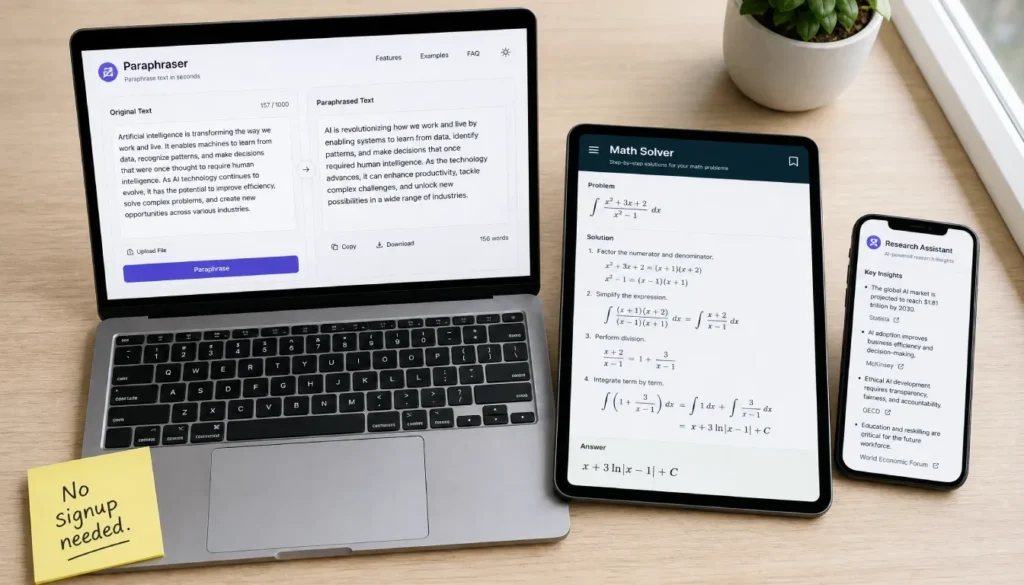
Here are the tools worth knowing, grouped by what they do.
1. AI Writing and Essay Help
ChatGPT (No Login Mode)
OpenAI now lets you use ChatGPT without creating an account. You get access to GPT-4o for free. Just go to the site, skip the login screen, and start typing. It is one of the most capable free AI writing tools available right now, with no registration needed.
Use it for: essay drafts, rewording paragraphs, brainstorming arguments, writing introductions.
QuillBot
QuillBot is a free paraphrasing tool with no signup required for basic use. Paste your text, pick a mode (Standard, Fluency, Academic), and it rewrites the sentence for you. Students use it to rephrase lines from research papers or clean up clunky writing.
Use it for: paraphrasing, grammar improvement, making your writing clearer.
Wordtune
Similar to QuillBot, Wordtune offers free AI-assisted rewriting without forcing you to create an account immediately. It gives you alternative ways to phrase a sentence. Really useful when you know what you want to say but cannot find the right words.
2. Free AI Summarizers With No Account
Reading a 40-page PDF for one class while three other assignments sit unfinished is a very specific kind of misery. These tools help.
TLDR This
TLDR: This is a free AI summarizer that needs no login. Paste a URL or a block of text, and it produces a summary. You can get the key points from an article in about 10 seconds. No signup, no email, nothing.
Use it for: summarizing news articles, research paper abstracts, long blog posts.
Scholarcy
Scholarcy is aimed at academic reading. It breaks down research papers into key claims, methods, and findings. The free version works without registration and is especially helpful for science and social science students who are reading a lot of dense material.
3. Free AI Math Solvers With No Signup
Mathway
Mathway lets you type or photograph a math problem and get a step-by-step solution. The free version shows the final answer without an account. If you need the full solution walkthrough, it asks you to sign in, but for checking answers or getting unstuck, it works without one.
Symbolab
Symbolab is another strong free AI math solver with no signup needed for basic queries. It covers algebra, calculus, trigonometry, and more. Great for high school students and college students taking STEM courses.
4. Free AI Research Assistants No Login Required
Perplexity AI
Perplexity is one of the best free AI research assistants you can use right now with no account. It answers your questions and cites its sources, which is exactly what you need when you are researching for a paper and want to trace where information comes from.
It works like a search engine crossed with an AI. Ask it a research question, and it gives you a sourced, structured answer.
Consensus
Consensus searches actual academic papers to answer your questions. It pulls from peer-reviewed research and summarizes what scientists and researchers actually found. You can use the basic version for free without signing up. Perfect for students writing literature reviews or evidence-based essays.
5. Free AI Flashcard Makers and Study Tools
Quizlet (Free Features)
Quizlet’s basic flashcard features are accessible without signing in. You can browse existing study sets and quiz yourself. For creating your own sets, you will need an account, but browsing and studying existing material is completely open.
Anki (Desktop App)
Anki is free, open source, and needs no account at all. Download it, create flashcard decks, and use its spaced repetition algorithm to study smarter. Medical students and language learners swear by it. No email, no subscription, no signup.
6. Free AI Grammar Checkers With No Signup
Grammarly (Free, Partial)
Grammarly’s browser extension works without creating a full account in some cases, but the free web editor requires a login. For a fully no-signup option, try the alternatives below.
LanguageTool
LanguageTool is a solid free AI grammar checker that works in the browser without registration. Paste your text, and it checks for grammar, punctuation, and style issues. Supports multiple languages, which makes it useful for international students writing in English.
7. Free AI Presentation Makers With No Account
Gamma
Gamma lets you create presentations with AI. The free tier gives you a set number of credits without requiring a full account setup. Type your topic, and it generates slides automatically. It is not entirely signup-free, but the barrier is minimal, and the output is good enough to be worth mentioning.
Beautiful.ai (Free Trial)
Similar situation. You get access to AI-designed presentation layouts with minimal registration. If your class project needs slides fast, this gets the job done.
Quick Comparison Table
| Tool | Main Use | Signup Required? |
|---|---|---|
| ChatGPT (no login) | Writing, Q&A | No |
| QuillBot | Paraphrasing | No (basic) |
| TLDR This | Summarizing | No |
| Perplexity AI | Research | No |
| Symbolab | Math | No |
| LanguageTool | Grammar | No |
| Anki | Flashcards | No |
| Scholarcy | Academic reading | No |
| Consensus | Research papers | No (basic) |
Tips for Getting the Most Out of No-Sign-Up AI Tools

A few things that actually help:
- Be specific with your prompts. “Summarize this for a high school student” gets better results than just pasting text.
- Use multiple tools together. Perplexity to find sources, QuillBot to rephrase, LanguageTool to polish.
- Do not submit AI output directly. Use it to understand, to draft, to organize. Add your own thinking.
- Check your school’s AI policy. Some teachers welcome it. Others do not. Know where you stand.
Mistakes to Avoid
Students often make a few common errors when using free AI tools:
- Trusting AI summaries without reading the source. AI can get facts wrong.
- Using AI to write the whole essay and then not understanding what you submitted.
- Picking the first tool that shows up rather than the one built for your actual task.
- Forgetting that “free” sometimes means limited requests per day. Pace yourself.
Frequently Asked Questions

Are there truly free AI tools for students with no sign-up at all?
Yes. Tools like ChatGPT (no login mode), Perplexity AI, TLDR This, LanguageTool, and Symbolab all offer core features with zero registration. You open the page and start using them.
Can I use AI for homework without creating an account?
You can. Several tools let you get real help without logging in. For writing, paraphrasing, math, and research, there are no-account options that work well.
Are there no signup AI tools safe for students?
Generally, yes, especially compared to tools that collect your data through an account. Without a login, there is no profile being built for you. Still, avoid entering personal or sensitive information into any AI tool.
What is the best free AI for college students with no sign-up?
Perplexity AI is excellent for research. ChatGPT’s no-login mode is strong for writing and general help. Symbolab handles math. Between those three, most college-level tasks are covered.
Do free no-signup AI tools work for students with learning differences?
Yes, and they can be especially helpful. Text-to-speech tools, grammar checkers like LanguageTool, and AI summarizers help students with dyslexia, ADHD, or reading difficulties get through material more easily without any account requirement.
Final Thoughts
You do not need a subscription, a credit card, or an email address to get real help from AI.
The tools in this list are available right now. Open a tab, try one, and see how much faster your study session goes. Start with Perplexity for research and ChatGPT’s no-login mode for writing. Add a grammar checker at the end. That simple setup handles most of what students deal with daily.
If you found a tool you love that is not on this list, share it in the comments. Someone searching at midnight will probably thank you for it.