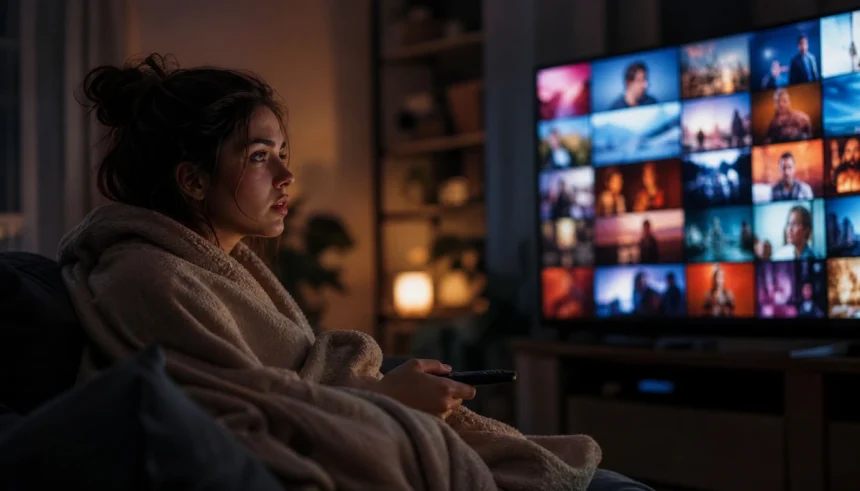
It started with one episode of a cooking show.
I just wanted something light to watch before bed. Forty-five minutes later, I was three episodes deep into a true crime series I didn’t even choose. The app had just… pulled me there. One recommendation led to another, the autoplay kicked in, and before I knew it, it was past midnight, and I had no idea how I ended up watching something so far from what I originally wanted.
Sound familiar?
This is what people call a streaming rabbit hole — and honestly, it happens to almost everyone. Streaming apps are designed this way. Their entire job is to keep you watching. The algorithm tracks everything you do, learns your patterns, and serves up content that’s nearly impossible to stop clicking.
But here’s the good news: once you understand how these recommendation engines work, you can take back control. In this guide, I’ll walk you through exactly how to break the algorithm rabbit hole cycle, tweak your settings, and start watching with actual intention.
What Is a Streaming Algorithm Rabbit Hole (And Why It Happens)
A streaming rabbit hole is when you get pulled into a chain of algorithmically suggested content — video after video, episode after episode — without really choosing any of it yourself.
It’s not an accident. It’s by design.
Streaming platforms use machine learning recommendations to study your watch history, the time you spend on certain genres, what you pause, what you rewatch, and even what time of day you open the app. That data feeds into a recommendation engine that’s built around one goal: keeping you engaged as long as possible.
This creates what researchers call a dopamine loop — each new recommendation gives you a tiny hit of curiosity or excitement, just enough to click one more time. Add autoplay into the mix, and you’ve got a system that barely gives you a moment to think.
The result? Content fatigue, disrupted sleep, and a growing sense that the algorithm is watching you more than you’re watching it.
How to Break the Recommendation Algorithm Cycle
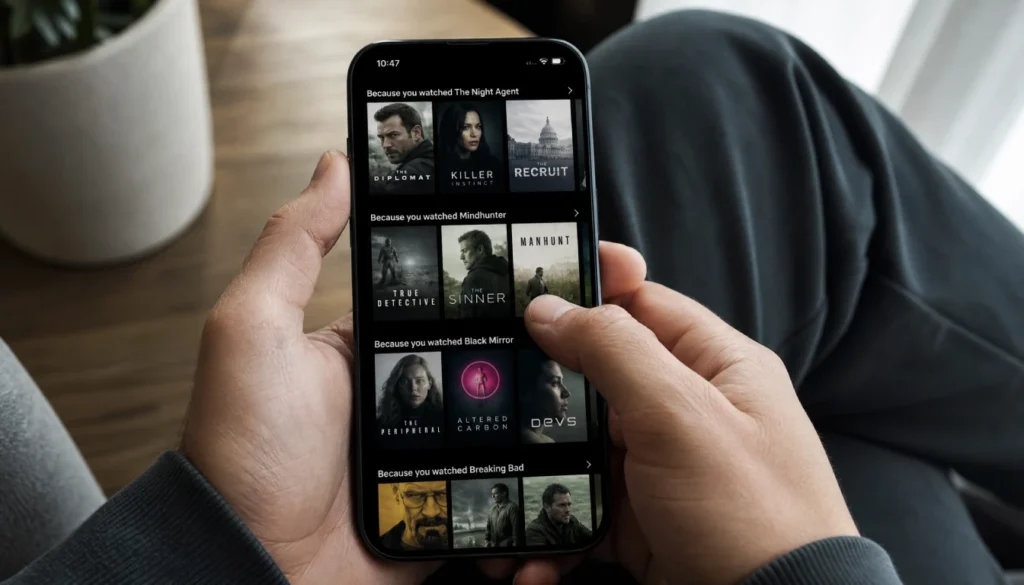
Here’s the thing about escaping the algorithm rabbit hole — it’s not about willpower. It’s about changing the environment. Here are the most effective ways to do it.
1. Turn Off Autoplay (This Is the Biggest One)
Autoplay is probably the single most powerful tool streaming apps use to keep you watching. The moment one episode ends, the next one starts before you’ve even had a chance to decide if you want to continue.
Turning it off forces a conscious pause. You have to choose to keep watching.
How to disable autoplay on popular platforms:
| Platform | Where to Find It |
|---|---|
| Netflix | Account → Playback Settings → uncheck autoplay |
| YouTube | Profile icon → Settings → Autoplay toggle |
| Hulu | Account → Privacy and Settings → Autoplay |
| Disney+ | Profile → App Settings → Autoplay toggle |
| Amazon Prime Video | Playback Settings in your account |
It takes about 30 seconds. Do it today.
2. Clear Your Watch History to Reset Streaming Recommendations
Your watch history is the fuel that powers the algorithm. If you’ve been on a binge of reality TV or conspiracy documentaries, the app will keep serving more of the same.
Clearing or pausing your watch history tells the algorithm to start fresh. It won’t fix things overnight, but over time, it significantly reduces the pull of rabbit hole content.
On YouTube, go to Settings → History & Privacy → Pause Watch History. On Netflix, you can remove individual titles from your viewing activity under your account settings.
3. Use the “Not Interested” Button Consistently
Most platforms have some version of a “Not Interested” or “Don’t Recommend This” button — and it actually works if you use it regularly.
Every time you see a recommendation that feels like a rabbit hole trap — something sensational, clickbait-y, or just not aligned with what you actually want to watch — flag it. Over a few weeks, the recommendation algorithm starts to shift in your favor.
It takes patience, but think of it like training a pet. Consistent signals lead to better behavior.
4. Build a Personal Watchlist Before You Open the App
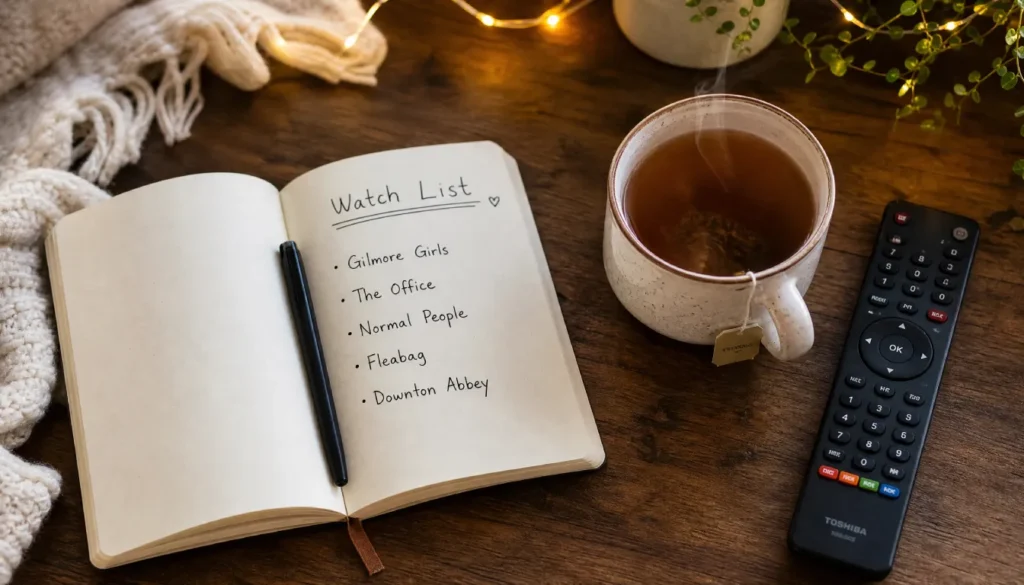
This one sounds simple, but it’s genuinely one of the most powerful mindful streaming habits you can build.
Before you open Netflix, YouTube, or any other platform, decide what you want to watch. Write it down somewhere — your phone notes, a sticky note, wherever. Then open the app only to find and play that specific thing.
This stops the homepage from doing its job. That algorithmically curated homepage is a trap. Every thumbnail, every “Trending Now” row — it’s all designed to pull your attention away from your original intention.
Go in with a plan. Leave with your evening intact.
5. Use Browser Extensions to Block Streaming Recommendations
If you mostly stream through a browser, some excellent tools can physically hide recommendation sections from your screen.
- Unhook (YouTube): Removes the sidebar, homepage feed, and autoplay recommendations
- DF Tube (YouTube): Similar function with more customization
- Netflix Party / Teleparty: Shifts your focus to social watching rather than solo scrolling
These tools give you back viewer autonomy — you decide what to watch, not the algorithm.
6. Set a Time Limit Before You Start Watching
One of the simplest ways to practice intentional watching is to decide, before you press play, how long you’re going to watch.
“I’ll watch one episode and then stop.” Or “I have 45 minutes.”
You can use your phone’s built-in Screen Time (iOS) or Digital Wellbeing (Android) features to set app time limits. When the timer runs out, you get a gentle nudge that breaks the trance.
This works especially well for streaming and sleep hygiene — setting a hard stop time for the evening means the algorithm can’t keep you up all night.
Streaming Apps That Are Less Aggressive With Recommendations
Some platforms are simply less pushy than others. If you find yourself constantly fighting the algorithm on mainstream apps, it might be worth trying some alternatives.
- Mubi: Curated arthouse films. No endless scroll. Just a thoughtfully selected list.
- Plex: You control the library. No recommendation engine pushing you around.
- Criterion Channel: Classic and independent cinema, curated by humans.
- Tubi and Pluto TV: More passive layouts with less aggressive personalization.
These won’t have every show, but they’re genuinely built for mindful streaming rather than maximum engagement.
Parental Controls: Protecting Kids From Algorithm Rabbit Holes
Kids are even more vulnerable to streaming rabbit holes than adults. Their brains are wired for novelty, and the algorithm knows it.
A few practical steps for families:
- Enable YouTube Kids instead of regular YouTube — it has a more limited recommendation pool
- Turn off autoplay on every kid’s profile
- Set up a dedicated kids’ profile on Netflix or Disney+ with content restrictions
- Use screen time limits through your router or parental control apps
- Watch together when possible — it’s harder to fall into a rabbit hole with another person in the room
The filter bubble effect is real for kids, too. Consistent algorithm exposure can narrow what children think is worth watching, which limits their curiosity and taste over time.
Quick Tips: Mindful Streaming Habits Checklist
Here’s a fast reference you can save or screenshot:
- ✅ Autoplay turned off on all platforms
- ✅ Watch history cleared or paused
- ✅ Personal watchlist made before opening any app
- ✅ Browser extensions installed (if streaming on desktop)
- ✅ Evening screen time limit set
- ✅ “Not Interested” button used regularly
- ✅ Notifications from streaming apps turned off
- ✅ Kids’ profiles set up with separate, age-appropriate settings
FAQs
Does turning off watch history actually stop recommendation rabbit holes?
It helps a lot, but it’s not a perfect fix. When you pause or clear your watch history, the algorithm loses its most powerful data source. Your recommendations become more generic and less precisely targeted — which means fewer of those perfectly calibrated rabbit hole traps. Combine it with disabling autoplay for the best results.
How do I stop YouTube from keeping me up at night?
Start with three changes: turn off autoplay, install the Unhook extension, and set a screen time limit through your phone’s built-in tools. Also try opening YouTube only to search for a specific video — never browse the homepage.
What is the psychology behind recommendation rabbit holes?
Streaming platforms use principles from behavioral psychology — specifically variable reward schedules — to keep you watching. Each new recommendation is a small surprise, which triggers a tiny dopamine response. It’s the same mechanism behind social media scrolling and slot machines. Understanding this helps you recognize the pull before it takes hold.
Are streaming apps legally required to reduce rabbit holes in 2026?
In the EU, yes — partially. The EU Digital Services Act now requires platforms to offer users recommendation systems that are not based on profiling, and to be more transparent about how their algorithms work. In the US, regulations are still catching up, but several bills have been proposed. The landscape is changing.
What are the best streaming apps without aggressive algorithms?
Mubi, Criterion Channel, and Plex are the most frequently recommended for people who want to take back control of their viewing. They prioritize curation over engagement metrics, which makes for a very different watching experience.
You Deserve to Watch What You Actually Want
Here’s the truth: streaming apps are incredible tools. There’s more great content available right now than at any point in history. But that same abundance, combined with a recommendation engine designed to keep you glued to the screen, can quietly steal hours from your evening without you even noticing.
The goal isn’t to stop streaming. It’s to watch with intention.
Turn off autoplay. Clear your watch history. Make a list before you open the app. Use the tools that are already in your phone to set limits. And permit yourself to close the app when you’re done — not when the algorithm decides you are.
Small changes add up. A few tweaks to your settings and habits can completely transform your relationship with streaming. You’ll sleep better, feel less drained, and actually remember and enjoy what you watched.
Have you fallen into a streaming rabbit hole lately? What’s your go-to trick for breaking the cycle? Drop it in the comments — I’d love to hear what’s working for you.