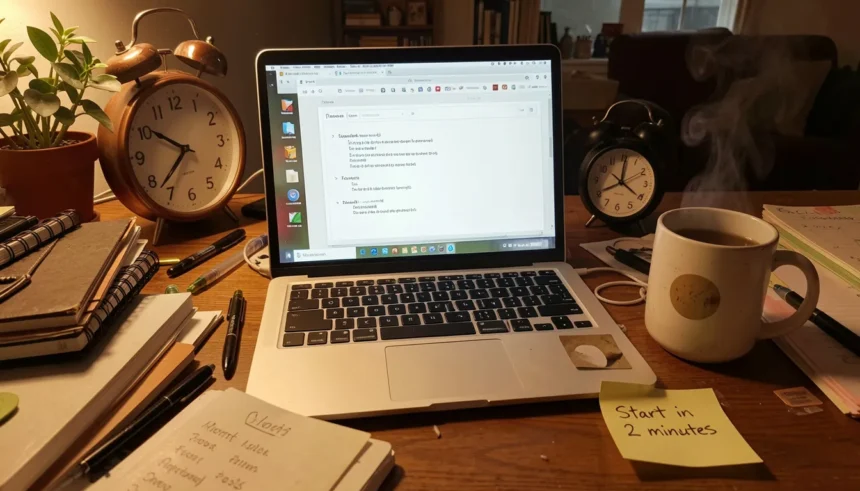
You open your laptop. You tell yourself you’ll start in five minutes. Then it’s 2 PM, you’ve done almost nothing, and the guilt kicks in hard.
Sound familiar? That cycle is one of the most common struggles in remote work, and it has nothing to do with laziness. The good news: there are practical steps to overcome procrastination in remote work that don’t rely on willpower or self-shame. They rely on structure.
This article breaks down exactly what causes WFH procrastination and gives you five specific, tested steps to stop it. A daily routine checklist is included at the end.
Why You Procrastinate More at Home (It’s Not Laziness)
Here’s something most productivity advice skips: the office itself was doing a lot of work for you.
You had a commute that signaled “work mode.” You had a desk surrounded by coworkers. You had a boss walking past every few hours. None of that exists at home. Without those external cues, your brain genuinely doesn’t know when to shift into focus mode.
Research from the American Psychological Association found that unstructured environments increase decision fatigue. Every morning at home, your brain quietly asks: Should I work now? Check Instagram? Make another coffee? That friction adds up fast.
Work from home procrastination also spikes when tasks feel unclear or intimidating. When you’re anxious about a deliverable or don’t know where to start, avoidance feels safer than failing. That’s not a character flaw. That’s how anxiety works.
The fix isn’t more discipline. It’s better design.
Once I understood that my environment and task clarity were the real problems, everything changed. I stopped beating myself up and started changing my setup instead.
Practical Step 1: Redesign Your Workspace to Cue Action
Your brain learns from context. If you’ve been eating, scrolling, and watching TV in the same chair where you now “work,” your brain doesn’t associate that space with focus. It associates it with rest.
You don’t need a separate room. You need a clear signal.
Try these specific changes:
- Use a different chair or corner only for work hours.
- Keep your workspace clear except for what you need for today’s task.
- Put your phone in another room during focus blocks.
- Open your work tools first, before anything else, when you sit down.
These aren’t tips about aesthetics. They’re about training your brain to recognize “sit here = work now.”
One remote worker I spoke with added a cheap desk lamp she only turns on during work hours. Within two weeks, turning on that lamp became her brain’s trigger to focus. That’s how simple this can be.
Practical Step 2: The 2-Minute Rule to Stop Putting Off Tasks
This is the single most effective WFH procrastination tip I’ve used personally.
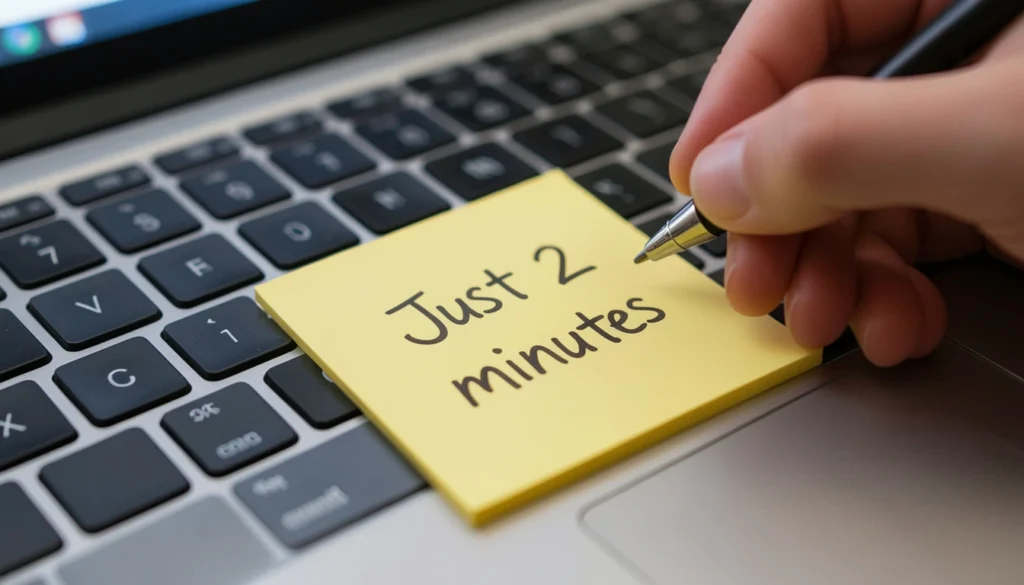
The 2-Minute Rule, popularized by productivity expert David Allen, says: if a task takes less than two minutes, do it immediately. But there’s a deeper version for procrastinators: commit to doing any task for just two minutes.
Here’s the exact process:
- Step 1: Pick the task you’ve been avoiding.
- Step 2: Set a timer for two minutes.
- Step 3: Do only the most trivial, physical part. Open the file. Read the last paragraph you wrote. Pull up the spreadsheet.
- Step 4: When the timer ends, decide to stop or keep going.
You’ll keep going almost every time. Starting is the hard part. Once you’re in motion, momentum takes over.
A year into working from home, I hit a wall. I’d open my laptop at 9 AM, feel anxious, and reorganize my desk for an hour. I felt broken. A friend suggested I try the 2-Minute Rule, just to open a document and type one sentence. The first time I tried it, I ended up writing for 90 minutes straight. That one small shift changed how I start every single workday.
This works because it bypasses the mental negotiation that kills action. You’re not committing to finishing. You’re committing to starting. Big difference.
Practical Step 3: Time Blocking for the Distracted Brain
If you work from home and find yourself easily distracted, an open to-do list will destroy your day. There are too many choices and too many chances to drift.
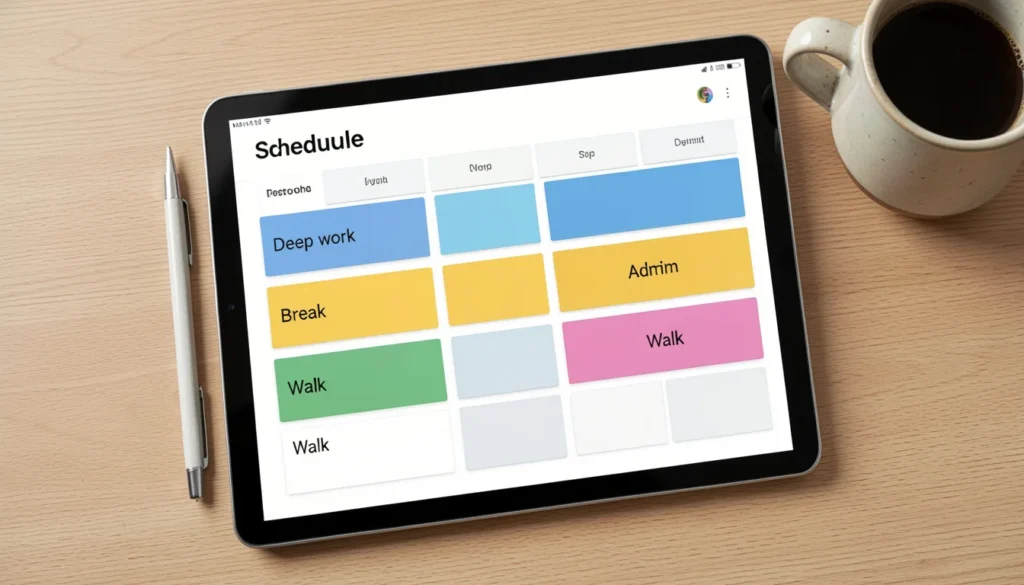
Time blocking for procrastinators working from home is different from a standard calendar. You’re not just scheduling meetings. You’re pre-deciding what your brain will focus on at every hour.
Here’s a simple time-blocked structure:
- 9:00 AM to 11:00 AM: Deep work (your hardest, most important task)
- 11:00 AM to 11:15 AM: Break (stand up, move, no screens)
- 11:15 AM to 12:30 PM: Admin tasks (emails, messages, small items)
- 12:30 PM to 1:30 PM: Lunch, full break
- 1:30 PM to 3:30 PM: Second deep work or project block
- 3:30 PM to 4:00 PM: Review and plan tomorrow
The key is: your morning block protects your highest-value work. Admin never bleeds into that window.
Pre-deciding removes the “what should I do next?” question entirely. That question is where most remote workers lose hours.
Practical Step 4: Build a Solo Accountability System
Working alone removes one of the most powerful natural motivators: other people watching.
You don’t need a manager. You need a system that replaces that social pressure with something sustainable.
Three methods that actually work:
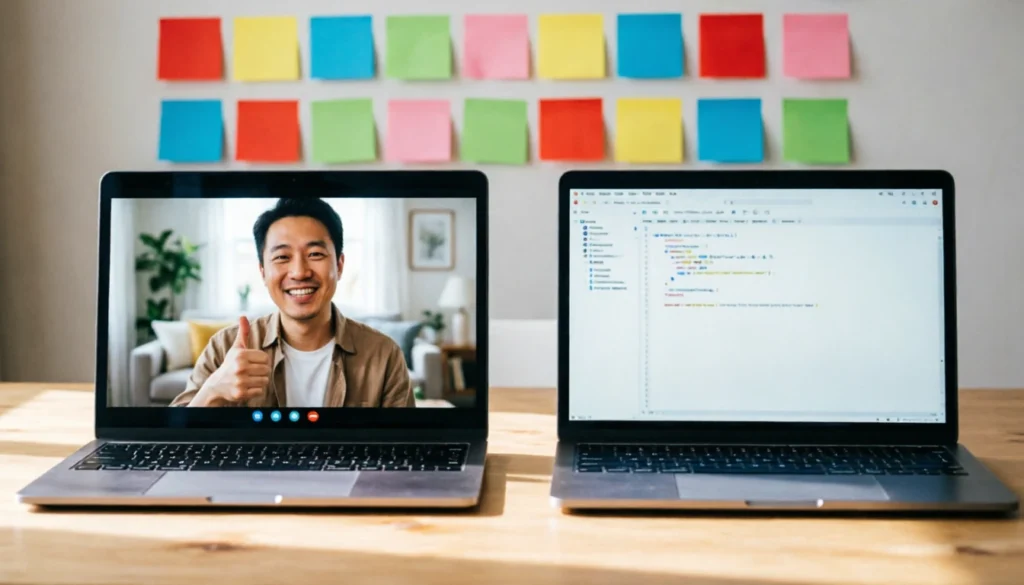
1. Virtual coworking. Find one other remote worker and schedule a 90-minute Zoom call where you each work silently, with cameras on. No agenda. Just presence. This mimics the feeling of a shared office and significantly reduces distraction. Studies on “body doubling” show it works especially well for people with ADHD or anxiety-driven procrastination.
2. Public commitment. Post your daily goal somewhere visible, like a Slack channel, a Discord community, or even Twitter. Saying “I’m finishing the first draft of X today” out loud creates real psychological pressure.
3. End-of-day check-in. Set a recurring alarm at 4:30 PM. Before you close your laptop, write three lines: what you planned, what you did, and what you’ll do tomorrow. This five-minute habit catches drift before it becomes a pattern.
Practical Step 5: Handle the Hidden Triggers (Anxiety, Perfectionism, Overwhelm)
Most how-to-stop-putting-off-tasks advice ignores this: sometimes procrastination is emotional avoidance.
Work from home procrastination due to anxiety looks like constant task-switching, redoing work you’ve already done, or cleaning your space instead of sitting down. It feels like laziness but it’s actually fear.
Here’s how to spot and stop each trigger:
Anxiety about the task:
- Write down exactly what you’re afraid of. (“I’m scared this report will be rejected.”)
- Reduce the scope. Instead of “write the report,” your task is “write the first two bullet points.”
- Use the 2-Minute Rule from Step 2 to break through the freeze.
Perfectionism:
- Set a “good enough” standard before you start. A first draft does not need to be polished.
- Tell yourself: version one is just notes. Version two is the real draft.
- Done beats perfect, every single time.
Overwhelm from too many tasks:
- Pick one task. Just one. Write it on a sticky note and put it in front of you.
- Everything else goes on a “later” list that you don’t look at until tomorrow.
- Work only on that one task until it’s done or your block ends.
If you find yourself struggling with work from home procrastination consistently, consider whether there’s a deeper anxiety pattern worth exploring with a therapist or coach. Many remote workers I know discovered their procrastination dropped significantly after addressing underlying stress, not just adding productivity tools.
Your No-Stress Daily WFH Routine (Checklist Included)
Here’s a simple daily checklist you can print or copy. This routine ties all five steps together.
Morning (before 9:30 AM):
- Clear your workspace completely.
- Write one most-important task for the day on a sticky note.
- Set your time blocks for the day (10 minutes max).
- Turn off notifications on your phone and computer.
Work session start:
- Use the 2-Minute Rule to begin your first task immediately.
- Set a 25 or 50-minute focus timer.
- Keep the “later” list nearby so random thoughts don’t pull you away.
Midday:
- Take a full break away from your screen.
- Eat without working.
- Do a 5-minute walk if possible.
Afternoon:
- Reassess your one main task. Is it done? What’s next?
- Check in with your accountability partner or post your update publicly.
End of day:
- Write a three-line review: planned, done, tomorrow.
- Close all work tabs and apps.
- Mark a clear “end of work” moment (a short walk, a cup of tea, anything consistent).
That last step matters more than most people realize. Without a shutdown ritual, your brain stays in half-work mode all evening, which drains you and makes tomorrow’s procrastination worse.
Your Next Step
You now have the complete set of practical steps to overcome procrastination in remote work. None of these require superhuman discipline. They require deliberate design.
Start with just one: use the 2-Minute Rule tomorrow morning. Don’t overhaul your entire routine at once. Pick the smallest change, repeat it for a week, and layer the next one in.
The goal is not a perfect day. The goal is a day where you start.
Apply these practical steps to overcome procrastination in remote work consistently, and that 4 PM guilt will stop being your baseline. Forward momentum will be.
Which step are you trying first? Drop it in the comments below. And if you found this useful, share it with one remote worker you know who needs it today.