Last year my sister switched from an iPhone to a Samsung. Our group chat fell apart overnight. Her texts turned green. Videos looked blurry. Read receipts vanished. I got annoyed at her phone, not realizing the real problem was a messaging gap between Android and Apple.
That gap has a name. It comes down to two systems: RCS messaging and iMessage. If you have ever wondered why some texts look better than others, or why your Android friend always sends grainy videos, this article explains it all in plain language.
By the end, you will know exactly what RCS is, how it compares to iMessage, and what it means for your daily texting life.
What Is RCS Messaging?
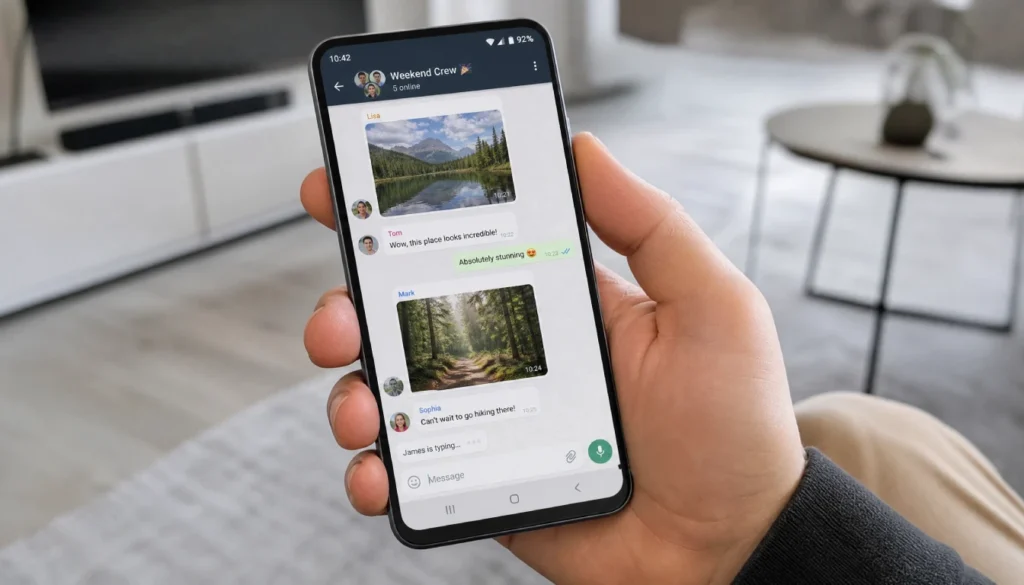
RCS stands for Rich Communication Services. Think of it as an upgrade to old-school SMS text messaging. It adds features people expect from modern chat apps.
RCS gives you:
- Read receipts
- Typing indicators
- Higher quality photo and video sharing
- Group chats that actually work well
- Messages sent over Wi-Fi or data, not just cell signal
Google pushed RCS hard for years through Google Messages. Most Android phones now use it by default.
What Is iMessage?
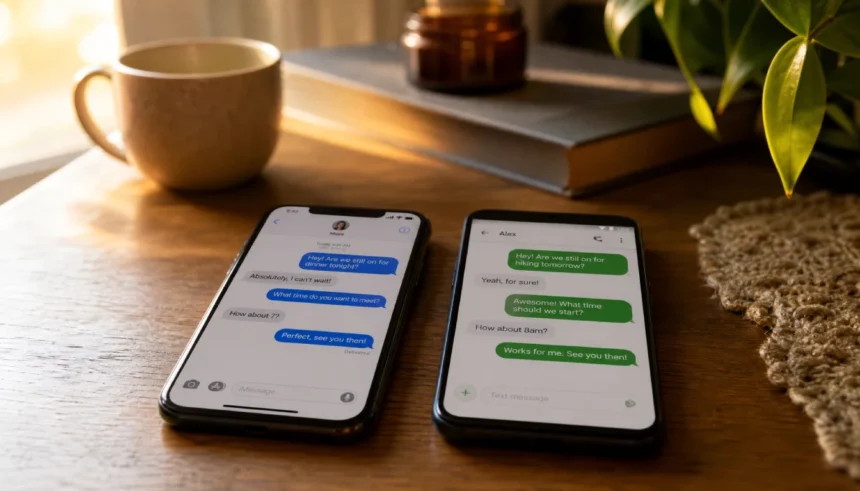
iMessage is Apple’s own messaging service. It only works between Apple devices: iPhone, iPad, and Mac. That is why you see blue bubbles when texting another iPhone user.
iMessage includes:
- End-to-end encryption for every message
- Read receipts and typing indicators
- Message effects and reactions
- High-quality photo and video sharing
- Group chats with full features
The catch: none of this works when you text an Android user. That is when your phone switches to plain SMS or MMS, and the bubble turns green.
RCS vs iMessage: Quick Comparison Table
| Feature | RCS | iMessage |
|---|---|---|
| Works on | Android, and now iPhone (partial) | Apple devices only |
| Encryption | End-to-end in 1-on-1 chats (Google Messages) | End-to-end always |
| Read receipts | Yes | Yes |
| High-res media | Yes | Yes |
| Group chats | Improved, but still catching up | Full featured |
| Bubble color on iPhone | Green (still, even with RCS) | Blue |
| Works across brands | Yes, if both apps support it | No |
Why Do iPhone Users Get Green Bubbles Even With RCS?
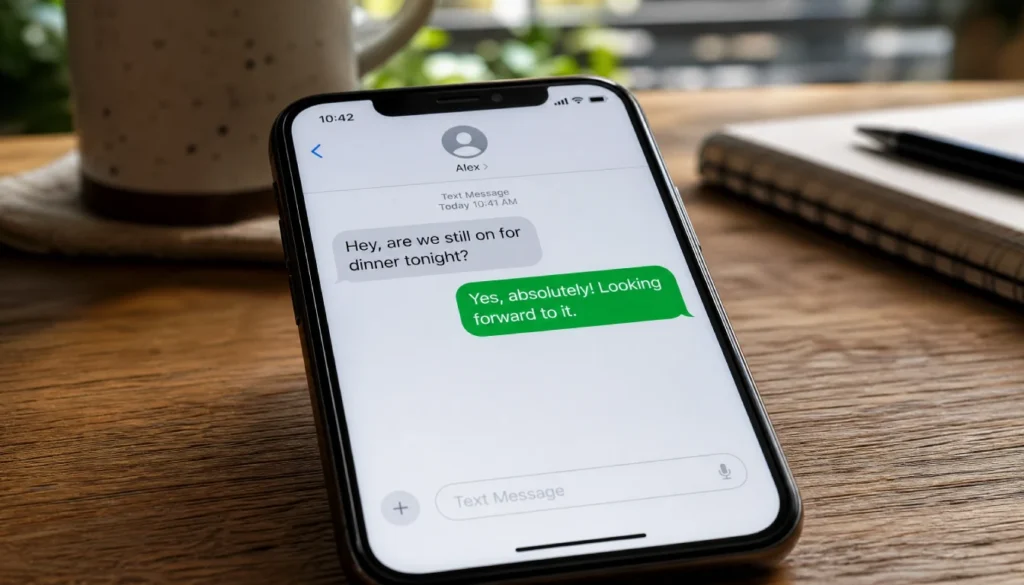
This trips people up constantly. Apple added RCS support to iPhones starting with iOS 18. But Apple kept the bubble color the same. Green stays green.
RCS on iPhone improves the quality of the conversation. Photos look sharper. Read receipts show up. Group chats behave better. But the color signal Apple built into iMessage stays untouched.
If you were hoping RCS would end the blue bubble versus green bubble divide, it will not. The color is a branding choice, not a technical limit.
Does iPhone Support RCS Now?
Yes. Apple added RCS support to iOS 18 after years of pressure from Google and complaints from users stuck with broken group chats. This was a big shift for Apple, which had resisted RCS for a long time.
Here is what changed:
- Photos and videos sent to Android now keep their quality
- Typing indicators show up between iPhone and Android
- Read receipts work both ways
- Group chats with mixed devices work better
Here is what stayed the same:
- Bubble colors are unchanged
- iMessage-only features like reactions and effects still do not cross over to Android
RCS vs iMessage: Which One Is More Secure?
This is where the two systems still differ the most.
iMessage encrypts every single message end to end, no exceptions. Apple controls the whole system, so the encryption is consistent everywhere.
RCS encryption depends on the app. Google Messages encrypts one-on-one chats end to end. Group chats using RCS are not fully encrypted the same way yet. And the encryption only applies when both people use Google Messages, since RCS is a technical standard that different companies can build differently.
If you send sensitive information, keep this in mind:
- iMessage to iMessage: fully encrypted, always
- RCS to RCS through Google Messages: encrypted for one-on-one chats
- RCS to iMessage (cross-platform): encryption depends on both sides supporting it properly
Apple has stated that cross-platform RCS messages between iPhone and Android are encrypted too, since Apple built its RCS support around the same security standards. Still, treat any cross-platform chat with a bit more caution if privacy matters to you.
RCS vs SMS vs iMessage: What Is the Real Difference?
People mix these terms up all the time. Here is the simple version.
SMS is the original text message format from decades ago. It handles plain text only, with strict length limits and no rich media support.
MMS is the version that added photos and short videos, but the quality is often poor, and it can fail with anything too large.
RCS updates the entire experience. It gives you rich media, read receipts, and modern chat features, all without needing an app switch.
iMessage does the same thing, but only within Apple’s own ecosystem.
Common Mistakes People Make With RCS and iMessage
I have seen friends and family run into the same issues over and over. Here are the ones worth avoiding.
- Assuming RCS works the same on every phone. It depends on the app and carrier support.
- Turning off RCS in phone settings by accident, which drops you back to SMS.
- Expecting iMessage features like reactions or effects to show up on Android. They will not.
- Not checking whether both people have RCS chat features turned on before assuming a message failed to send properly.
- Confusing “message not delivered” errors with RCS problems, when the real cause is often a weak signal or an outdated app.
How to Enable RCS on iPhone
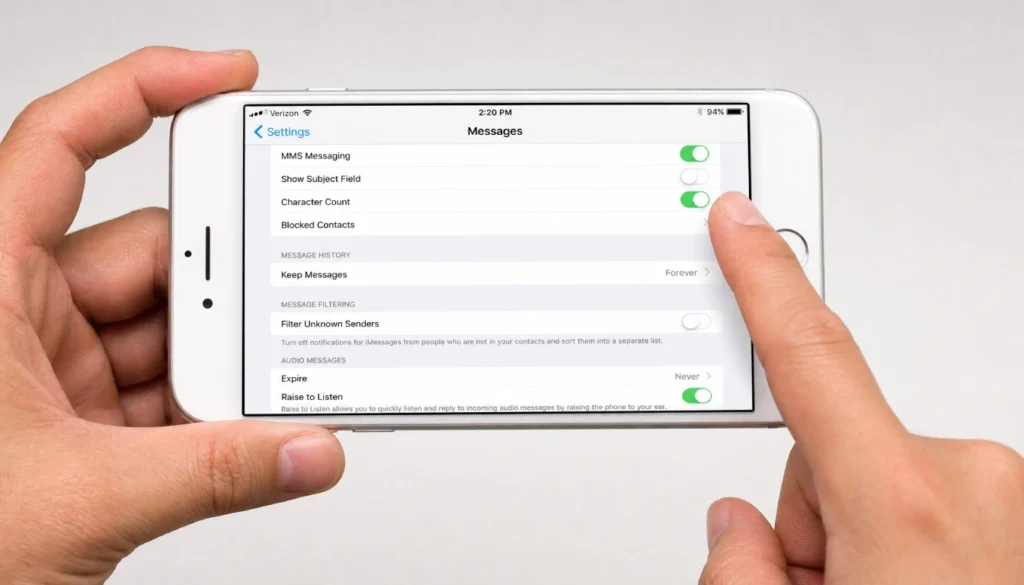
If you want the upgrade, here is what to do.
- Open Settings on your iPhone.
- Tap Apps, then Messages.
- Find the RCS Messaging toggle and turn it on.
- Restart your Messages app if it does not activate right away.
- Confirm with the person you are texting that they also have RCS turned on through Google Messages or their default app.
Both sides need RCS active for the upgrade to work. If only one person has it on, you fall back to regular SMS or MMS.
Will RCS Replace iMessageMessage Eventually?
Probably not completely. Apple has strong reasons to keep iMessage exclusive to its own devices. It keeps people locked into buying iPhones, and it protects Apple’s tight control over encryption and privacy on its platform.
What is more likely: RCS keeps closing the gap in quality and features, while iMessage keeps its exclusive extras like message effects, Memoji stickers, and full encryption control. You will probably end up using both systems depending on who you are texting.
FAQs
What does RCS stand for?
RCS stands for Rich Communication Services. It is a messaging standard designed to replace traditional SMS with richer features.
Can iMessage send RCS messages?
Yes, starting with iOS 18, iPhones can send and receive RCS messages when texting Android users, while keeping iMessage active for other iPhone users.
Why do some texts stay green after RCS on iPhone?
Apple kept the bubble color the same on purpose. Green bubbles mean the message uses SMS, MMS, or RCS. Blue means it uses iMessage between two Apple devices.
Is RCS better than iMessage for texting?
It depends on what you value. RCS closes the gap for cross-platform texting between Android and iPhone. iMessage still wins on full encryption and exclusive Apple features.
Does RCS use Wi-Fi or mobile data like iMessage?
Yes. Both RCS and iMessage can send messages over Wi-Fi or mobile data, unlike traditional SMS, which relies only on your carrier’s text plan.
Final Thoughts
RCS and iMessage solve the same basic problem in different ways. RCS brings Android texting up to modern standards and now works better with iPhones, too. iMessage keeps its tight, secure, feature-packed world for Apple users only.
Neither one is going away soon. The real win here is that texting between Android and iPhone finally feels less broken than it used to.
If your group chats have been a mess lately, check your RCS settings before blaming your friend’s phone. It might just need one toggle switched on.
Have you noticed a difference since RCS came to iPhone? Drop a comment and share what changed for you. And if this helped clear things up, send it to that one friend who still complains about green bubbles.