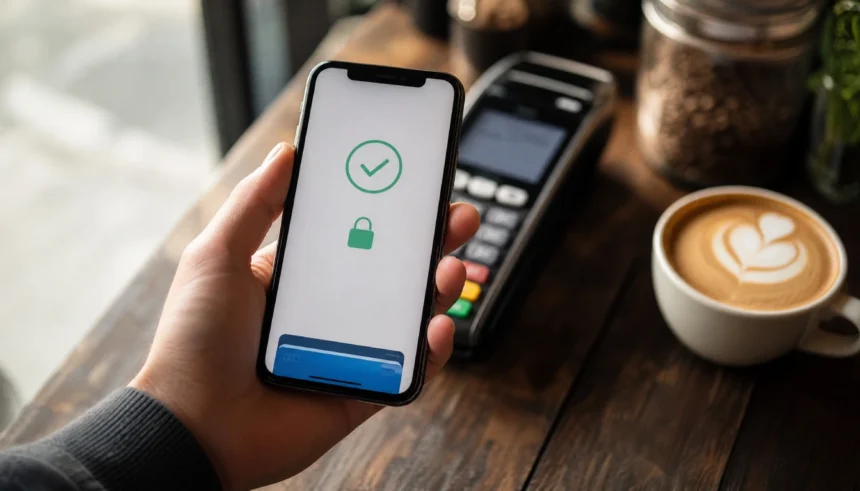
I still remember the first time I accidentally paid for my coffee with my phone.
I was fumbling for my physical wallet, the barista was waiting, the line was growing behind me, and my friend just tapped her phone on the reader and walked off. Done. Two seconds. I stood there looking mildly ridiculous.
That moment pushed me to finally figure out digital wallets. And honestly, I wish I had done it sooner, because once I understood how they worked and how to use them safely, I never looked back.
If you are new to digital wallets, this guide is for you. We will cover what a digital wallet actually is, how it keeps your money safe, and the most important safety tips every beginner needs to know. No jargon, no confusion.
What Is a Digital Wallet, Exactly?
A digital wallet (also called a mobile wallet or e-wallet) is an app on your phone or device that stores your payment information. Think of it as a secure digital version of the cards in your physical wallet.
Instead of swiping a card, you tap your phone or scan a code to pay. Apps like Apple Pay, Google Wallet, Samsung Pay, PayPal, Venmo, and Cash App are all examples of digital wallets you have probably already heard of.
The key difference between a digital wallet and a regular banking app? A banking app shows your account. A digital wallet lets you pay with it quickly and without pulling out a card.
How Does a Digital Wallet Keep Your Information Safe?
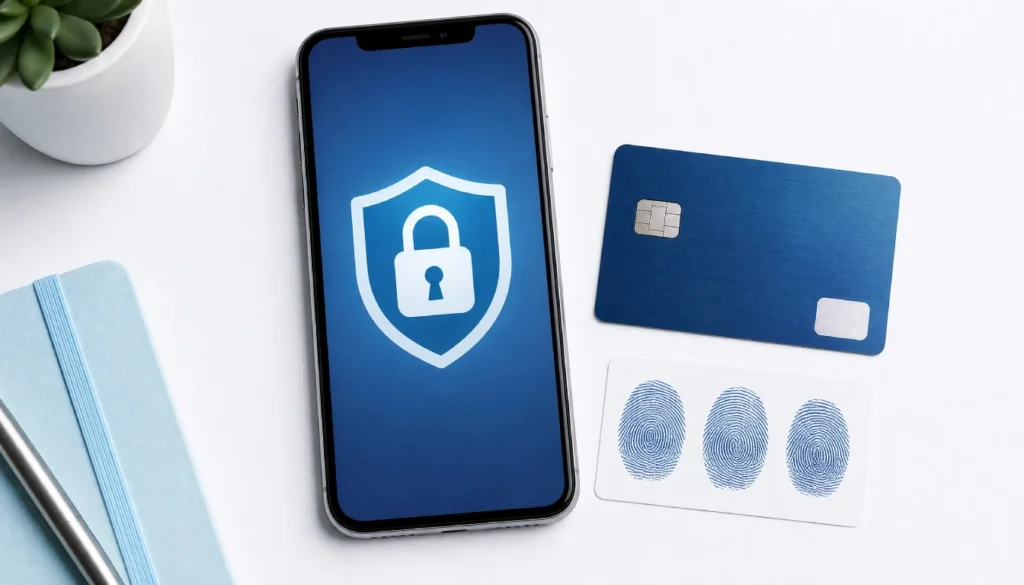
This is the part most beginners worry about, and honestly, it is a fair concern. But here is the thing: digital wallets are often safer than a physical card, and here is why.
Tokenization
When you pay with a digital wallet, it does not send your actual card number to the store. Instead, it creates a temporary, random code called a token. Even if someone intercepted that transaction, they would get a useless string of numbers, not your real card details.
Biometric Authentication
Most digital wallets require your fingerprint or face ID before a payment goes through. Your physical wallet has no such protection. If someone steals your bag, they can use your card. If they steal your phone, they cannot pay with your face.
Encryption
All data stored in your digital wallet is encrypted, meaning it is scrambled into a format that cannot be read without the correct key. This applies to both the data stored on your phone and the data sent during a transaction.
NFC Payment Security
Contactless payments use NFC (Near Field Communication) technology, which only works at very close range, typically less than 4 centimetres. So no, someone cannot scan your phone from across the room.
Are Mobile Wallets Safer Than Credit Cards?
Short answer: in many ways, yes.
| Feature | Physical Card | Digital Wallet |
|---|---|---|
| Card number exposed at checkout | Yes | No (tokenisation) |
| PIN or biometric required | Sometimes | Almost always |
| Can be used if stolen | Yes | Very difficult |
| Remote lock/wipe if lost | No | Yes |
| Works on public Wi-Fi safely | N/A | Generally yes |
Your physical card has your full card number, expiry, and CVV printed right on it. A digital wallet hides all of that. It is not a perfect system, but the protections are real and meaningful.
Digital Wallet Safety Tips for Beginners (Step by Step)
Okay, here is the practical part. These are the tips you actually need, especially if you are using a digital wallet for the first time.
1. Set a Strong PIN and Enable Biometrics
Always protect your phone with a PIN, fingerprint, or face ID. Your digital wallet is only as secure as the device it lives on. If someone can unlock your phone easily, they can access your wallet.
2. Enable Two-Factor Authentication
Most payment apps offer two-factor authentication (2FA). Turn it on. This means even if someone gets your password, they still need a second code sent to your phone or email to get in.
3. Only Download Wallet Apps from Official Sources
Get your apps from the App Store or Google Play only. Third-party app stores can host fake versions of popular wallet apps that steal your information.
4. Review App Permissions
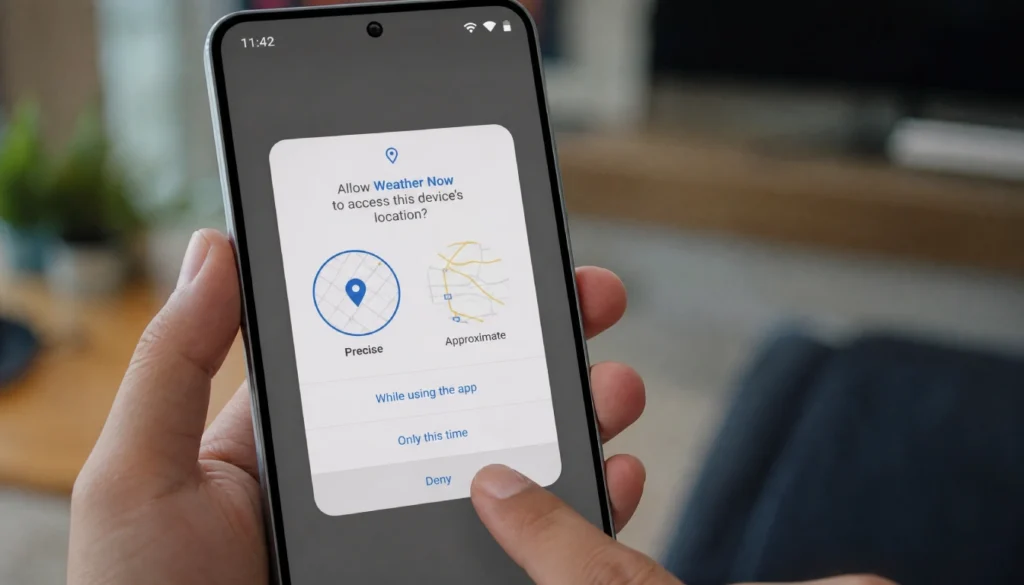
When you install a wallet app, check what permissions it asks for. A payment app needs access to NFC and maybe your camera for QR codes. It does not need access to your microphone, contacts, or location at all times. Limit permissions wherever you can.
5. Use a Virtual Card Number When Possible
Some wallets and banks offer a virtual card number, which is a temporary card number generated just for one purchase. This is especially useful for online shopping, where your card details could be exposed if a site gets breached.
6. Avoid Using Public Wi-Fi for Transactions
Public Wi-Fi networks can be insecure. If you need to check your wallet balance or make a transfer, switch to your mobile data first. Contactless in-person payments are generally fine on any network, but app-based transactions carry more risk on open Wi-Fi.
7. Know What to Do If You Lose Your Phone
This is something most beginners never think about until it is too late. Here is what you should do:
- Use your phone’s remote lock or wipe feature immediately (Find My iPhone or Google’s Find My Device).
- Contact your bank to freeze linked cards temporarily.
- Log out of all active sessions from another device if the app allows it.
Losing your phone is stressful, but with a digital wallet set up correctly, your money is far safer than if you had lost a physical card.
8. Watch Out for Digital Wallet Scams
Scammers are creative. Common tricks include:
- Fake customer support calls claiming your wallet has been “compromised.”
- Phishing emails that appear to be from PayPal or Cash App.
- QR codes in public places that redirect to fake payment pages.
Rule of thumb: Legitimate companies will never ask for your PIN, password, or full card number over the phone or email.
Common Beginner Mistakes to Avoid
If you are just getting started, here are the things that trip people up most often.
- Linking too many cards at once. Start with one card and get comfortable before adding more.
- Ignoring transaction notifications. Turn them on and check them. If something looks wrong, catch it early.
- Using the same password across apps. Use a unique password for each financial app. A password manager makes this easy.
- Skipping updates. App updates often include security patches. Keep everything current.
Digital Wallet Safety for Special Situations
Using a Digital Wallet While Travelling
International travel is one of the best use cases for a digital wallet. You avoid carrying multiple physical cards, and tokenisation protects you even in unfamiliar payment systems. Just make sure your bank knows you are travelling so they do not flag your transactions.
Digital Wallets for Beginners Who Are Not Tech-Savvy
If you are not comfortable with technology, start simple. Set up Apple Pay or Google Pay with just one debit card. Use it only for in-person contactless payments at first. Once you feel confident, you can expand from there.
Crypto Wallets: A Separate Conversation
Crypto wallets work differently from payment wallets like Apple Pay. If you are exploring crypto, know that seed phrase protection is critical; losing that phrase means losing your funds permanently. This is a topic worth researching separately before you start.
Frequently Asked Questions
Can someone steal my money through a digital wallet?
It is very difficult. With biometric authentication and tokenisation in place, a thief would need your face, fingerprint, or PIN to access your wallet. That said, social engineering scams, where someone tricks you into sending money, are the more common threat.
Is it safe to store a debit card in a digital wallet for the first time?
Yes. In fact, a debit card stored in a digital wallet is better protected during transactions than the physical card itself, because your real card number is never shared with the merchant.
What is the safest way to set up Apple Pay for beginners?
Download Apple Wallet from your iPhone settings, add your card, and enable Face ID or Touch ID. Avoid setting it up on public Wi-Fi and confirm the setup text message comes from your actual bank.
What happens if I use my digital wallet on public Wi-Fi?
In-person NFC payments are not affected by your Wi-Fi network. App-based transfers or purchases made through a browser on public Wi-Fi carry more risk. Use mobile data for those.
Are digital wallets safe for online shopping?
Yes, especially when you use virtual card numbers or a service like PayPal that adds a layer between the merchant and your actual card. Look for the option to pay with a wallet at checkout rather than entering your card details manually.
You Are More Ready Than You Think
Digital wallets can feel overwhelming when you first hear terms like tokenisation, NFC, and biometric authentication. But once you understand what they mean, the picture gets a lot simpler: your money is protected by multiple layers, and most of those layers are automatic.
Start small. Add one card. Make one purchase. Check that the notification comes through. Get comfortable with the basics before worrying about everything else.
The reality is that you carry more risk with a physical wallet in your pocket than with a properly set up digital wallet on your phone. You just have to take a few minutes to set it up right.
If you have questions, ran into something confusing, or just made your first digital wallet purchase and want to share, drop it in the comments. I read every one, and there are no silly questions when it comes to protecting your money.