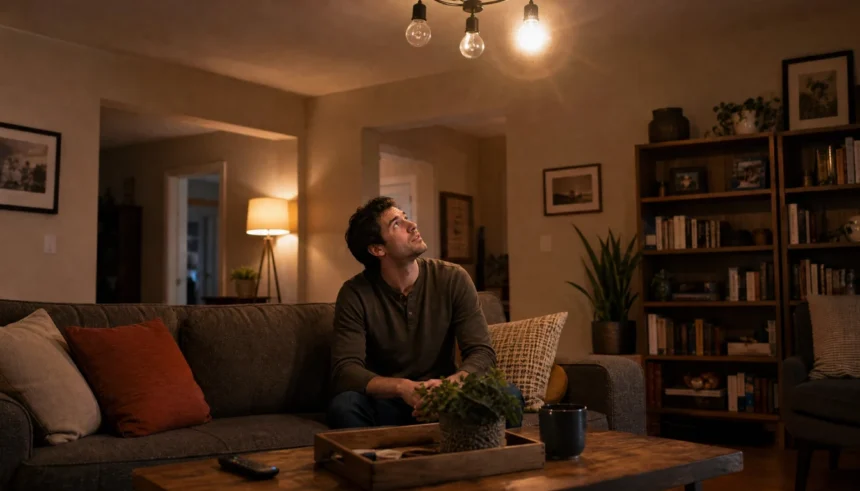
I still remember the night I sat in my living room, half-watching TV, half-staring at the ceiling light above me. It was blinking. Not dramatically, just enough to be annoying. I had replaced all my old bulbs with LEDs a month before and felt pretty good about it. Then this started.
My first thought? “Great, did I buy bad bulbs? Is something wrong with my wiring? Do I need to call an electrician?”
The answer to all three was: probably not.
If you’re dealing with an LED light flickering problem right now, you’re in the right place. This article covers the most common causes and the fixes you can actually do yourself, no electrician required.
The Most Common Reasons Your LED Lights Are Flickering
Before you panic, know this: flickering LED lights are one of the most common complaints homeowners have after switching from incandescent bulbs. The reasons are almost always simple.
Let’s go through them one by one.
1. Your Dimmer Switch Is Not Compatible With LED Bulbs
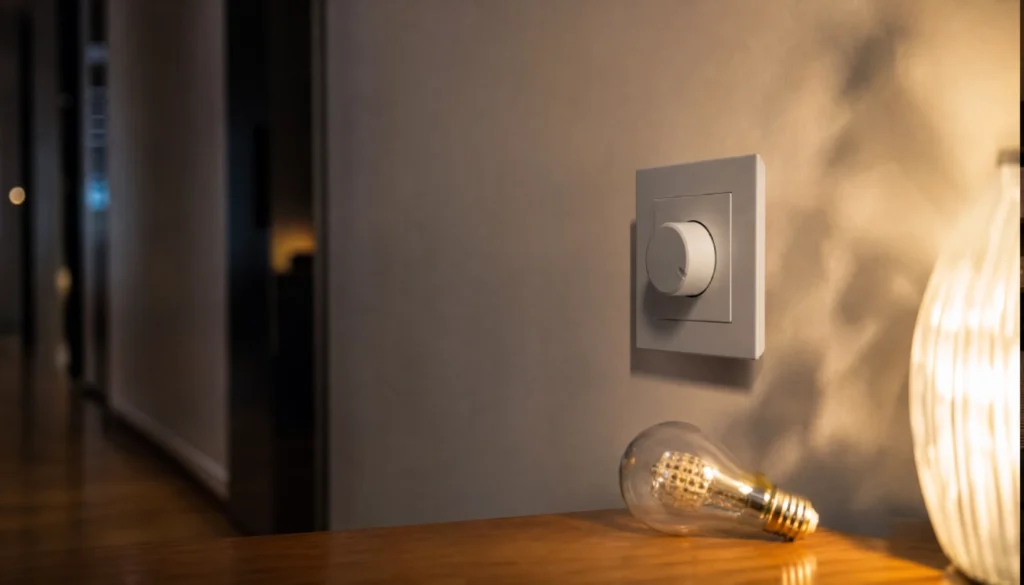
This is the number one cause of LED flickering on a dimmer switch, and it catches so many people off guard.
Old dimmer switches were designed for incandescent bulbs, which work very differently from LEDs. When you connect an LED bulb to an incompatible dimmer, you get flickering, buzzing, or both. The dimmer can’t read the LED’s lower wattage properly, so it sends inconsistent power.
The fix: Check if your dimmer says “LED compatible” on the box. If it doesn’t, you’ll want to swap it out for one that does. Brands like Lutron make dimmers built specifically for LEDs, and the difference is immediate.
You’ll also want to check for a wattage mismatch. Even with a compatible dimmer, connecting too few LED bulbs can cause flicker. Most dimmers need a minimum load to function correctly.
2. You Have a Loose Bulb or a Poor Connection at the Fixture
This one’s easy to overlook. If your LED light is flickering intermittently, a loose connection is often the culprit.
The bulb might not be screwed in fully. Or the contact inside the socket could be worn out or slightly bent, especially in older fixtures.
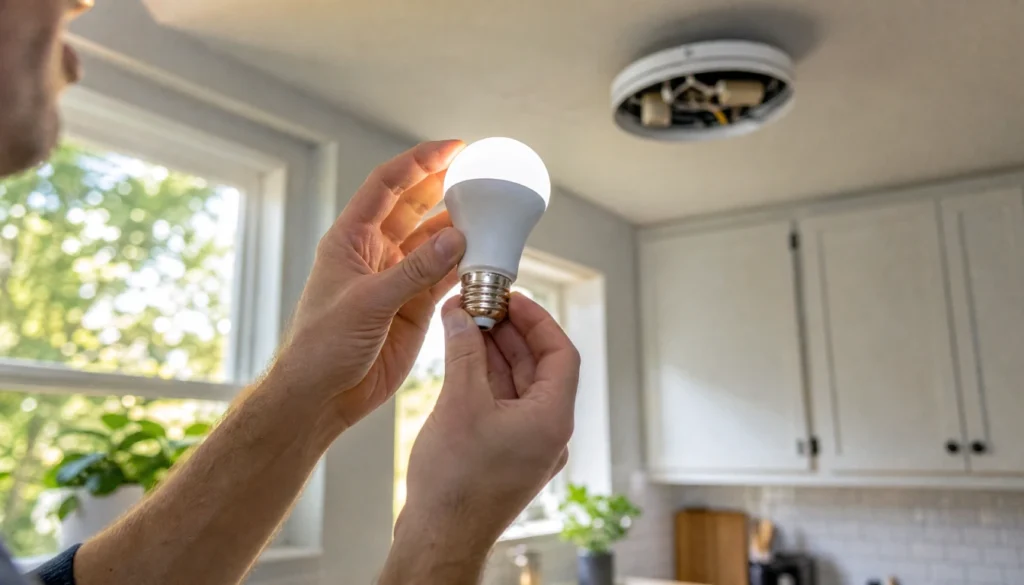
The fix: Turn off the light, let it cool, then unscrew the bulb and screw it back in firmly. While you’re at it, check that the socket contact at the bottom looks flat and centered. If it’s pushed down, you can gently pry it up with a small flathead screwdriver (power off first, always).
3. Your LED Bulbs Are in Enclosed Fixtures
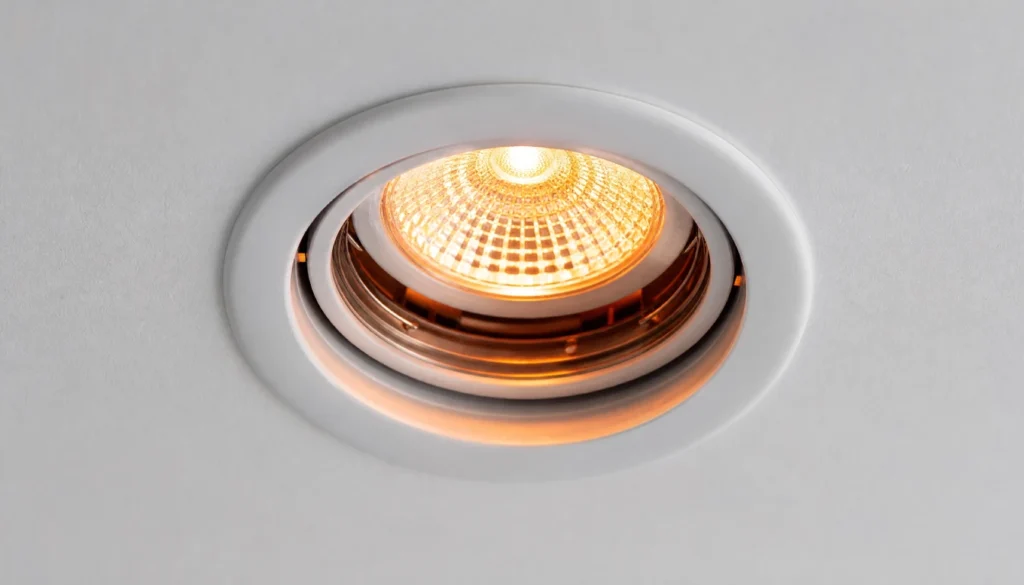
Here’s something that surprised me when I first learned it: many LED bulbs are not rated for enclosed fixtures like recessed LED lights or sealed ceiling fixtures.
When heat builds up and has nowhere to go, the LED driver (the internal component that controls power) starts to fail. Overheating causes flickering and shortens bulb life dramatically.
The fix: Check the bulb’s packaging or the brand’s website. Look for wording like “suitable for enclosed fixtures.” If yours doesn’t say that, swap it for one that does.
4. Voltage Fluctuations in Your Home
If multiple LED lights are flickering in your house at the same time, especially when a large appliance kicks on, you’re likely dealing with a voltage fluctuation.
When your washing machine, refrigerator, or microwave starts up, it draws a surge of power. That sudden demand can cause a brief dip in voltage across your home’s circuits, and your LED lights notice it.
This is more common in older homes but can happen anywhere.
The fix: A whole-house surge protector can help stabilize incoming power. These are typically installed at your electrical panel, but some plug-in versions are available too. If the problem is severe or frequent, that’s when it’s worth calling an electrician to check your panel.
5. Your LED Bulbs Are Simply the Wrong Type for the Job
Not all LED bulbs are created equal. Some are dimmable, some are not. Some work in cold garages, some don’t. Some are designed for open fixtures, not enclosed ones.
LED bulbs that are not dimmable will flicker when installed on a dimmer circuit, even if the dimmer is set to 100%. The bulb just isn’t built to handle that type of switch.
The fix: Match your bulb to your setup. Dimmable fixture? Get a dimmable LED. Enclosed ceiling fan? Get an enclosed-rated LED. It sounds obvious, but it’s a step a lot of people skip when they’re buying bulbs in bulk.
6. A Loose Neutral Wire (Worth Knowing, But Call Someone)
A loose neutral wire in your home’s wiring can cause lights across a whole circuit to flicker, and this one goes beyond a basic DIY fix.
I’m including it here because you should know the symptom: if multiple rooms or multiple fixtures on the same circuit all flicker together, especially when you turn on a nearby appliance, a loose neutral wire is a real possibility.
The fix for this one: Call a licensed electrician. This is not dangerous to identify, but it is dangerous to repair yourself if you haven’t worked with home wiring before.
Quick Comparison: Common LED Flickering Causes at a Glance
| Cause | Who’s Affected Most | DIY Fix? |
|---|---|---|
| Incompatible dimmer switch | Anyone with dimmers | Yes, replace the dimmer |
| Loose bulb or poor socket contact | Anyone | Yes, reseat or clean the socket |
| Bulb overheating in enclosed fixture | Recessed or sealed lights | Yes, swap for the right bulb |
| Voltage fluctuations from appliances | Older homes especially | A partial surge protector helps |
| Non-dimmable LED on a dimmer | Anyone using the wrong bulb | Yes, replace with dimmable LED |
| Loose neutral wire | Whole-circuit flickering | No, call an electrician |
How to Diagnose Flickering LED Lights Yourself
Not sure where to start? Here’s a simple process to narrow it down.
Step 1: Does only one bulb flicker, or multiple? If it’s one bulb, start with the bulb itself.
Step 2: Is the flickering on a dimmer? If yes, compatibility is your first suspect.
Step 3: Does it flicker when an appliance starts up? Voltage fluctuation is likely.
Step 4: Is the fixture enclosed or recessed? Check if the bulb is rated for that type.
Step 5: Does the flicker happen across many rooms? A wiring issue may be involved.
This process handles about 90% of flickering LED problems without touching a single wire.
Mistakes to Avoid When Fixing Flickering LEDs
- Buying the cheapest LED bulbs you can find. Low-cost bulbs often have poor drivers that cause flicker even in perfect conditions.
- Assuming a “smart” LED bulb will work with any smart dimmer. Compatibility still matters here. Lutron Caseta dimmers and Zigbee setups have specific requirements.
- Ignoring the problem. Flickering from a failing LED driver can shorten the bulb’s lifespan. It’s worth fixing sooner.
- Mixing old and new bulbs in the same fixture. Different bulbs draw different amounts of power, which can confuse a dimmer.
FAQs
Can flickering LED lights cause a fire?
In most cases, no. LED flickering is usually a sign of a compatibility issue or a failing driver, not a dangerous electrical problem. However, if you notice burning smells, discoloration around the socket, or flickering combined with tripping breakers, that’s worth a call to an electrician.
Why does my LED light flicker even when the switch is off?
This is usually caused by capacitive coupling, where residual current travels through your home’s wiring and into the LED driver. It can also happen with smart switches or dimmer switches that aren’t fully cutting power. Try a different bulb brand or check if the switch has a neutral wire requirement.
Do LED lights flicker before they burn out?
Yes, sometimes. If a bulb is flickering more and more frequently and dimming unevenly, the LED driver inside may be failing. At that point, replacement is the right move.
Why are my new LED lights flickering right after installation?
New LEDs flickering is almost always a dimmer compatibility issue or a wattage mismatch. Double-check that your dimmer supports LED loads and that you’re not running too few bulbs on the circuit.
Why do my LED lights flicker on video or camera?
This is a real thing. LED lights operate at a frequency that can clash with a camera’s frame rate, creating a strobing effect that your eyes don’t see but your camera does. It’s not a defect in the bulb. Adjusting your camera’s shutter speed or switching to a higher-frequency LED bulb solves it.
You Can Fix This, and It’s Usually Simple
Flickering LED lights are frustrating, but they’re rarely a sign of something serious. In most cases, the fix comes down to one of a handful of things: the wrong dimmer, the wrong bulb for the fixture, or a loose connection.
Start with the simplest explanation. Reseat the bulb. Check your dimmer. Look at the bulb specs. Most people find the answer before they ever need to pick up a phone.
If you’ve worked through the list and the flickering continues, especially across multiple rooms, that’s your cue to call a professional. There’s no shame in it. You’ve already done the detective work.
Have you figured out what was causing your flickering? Drop a comment below and let me know which fix worked for you. Or if you’re still stuck, ask your question there too. Someone in the community has probably seen it before.