
You sit down to relax, open a streaming app, and 30 minutes disappear – not watching anything, just scrolling. Sound familiar? That’s not a character flaw. It’s how these platforms are built. But there’s a better way. This modern streaming habits 2026 guide will show you exactly how to cut costs, watch more of what you actually love, and stop feeling guilty every time you open Netflix. Let’s sort it out, step by step.
What Are Modern Streaming Habits? (And Why They Matter in 2026)
Streaming habits are simply the patterns you follow when you choose what to watch, when to watch, and how much you pay for the privilege. In 2026, those patterns matter more than ever.
Why? Because the average household now subscribes to 4.2 streaming services, yet actively uses only 2.1 of them regularly. That gap is where money quietly disappears every month. And it’s not just cash – it’s time and attention too.
Streaming habits in 2026 look very different from five years ago. Password sharing is mostly gone. Prices have climbed. Ad-supported tiers have multiplied. The result? People are paying more, feeling overwhelmed, and enjoying it less. But a few small shifts in how you approach streaming can genuinely change that.
The Real Cost of Streaming in 2026: Money, Time and Attention
Before you can fix something, you need to see it clearly. Streaming costs you three things: money, time, and mental energy.
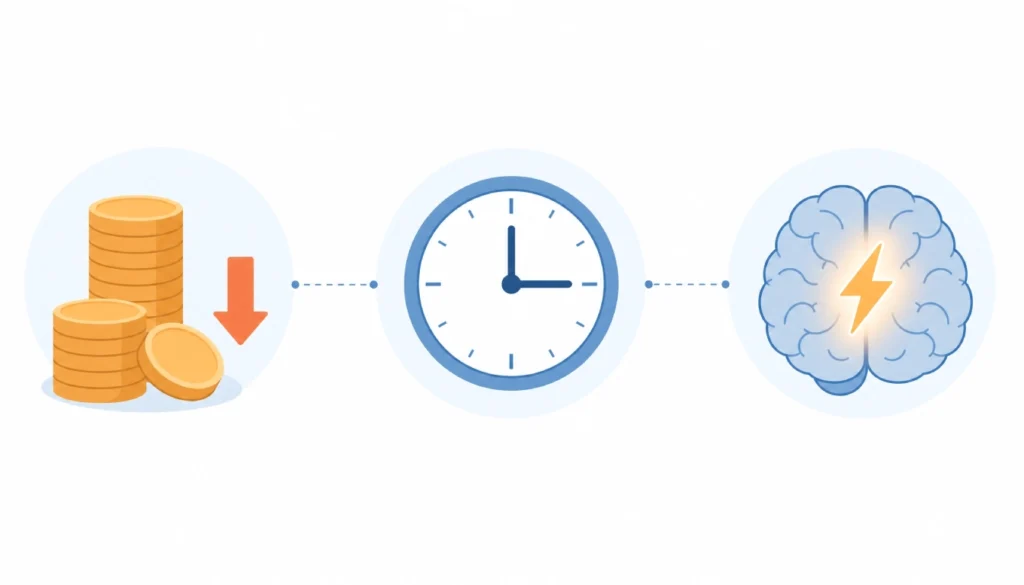
Money: The average streaming costs per month in 2026 sit around $65–$80 for households holding multiple subscriptions. That figure has crept up steadily since 2022, partly due to password-crackdown policies forcing individual accounts and partly due to across-the-board price increases.
Time: Research from Nielsen suggests adults average just over 3 hours of streaming per day. That’s 21 hours a week – more time than most people spend exercising, cooking, and socialising combined.
Attention: This one’s the sneaky cost. Decision fatigue from too many choices is a real cognitive drain. A 2025 behavioural study found that people who pre-selected what to watch reported 34% more enjoyment than those who browsed live. That stat alone is worth acting on.
I personally hit a wall about a year ago when I realised I was paying for four services but only properly using one. After a quick 30-day subscription audit – nothing fancy, just a note on my phone tracking what I actually opened – I cancelled two subscriptions and trimmed a third to a cheaper ad-supported tier. My monthly bill dropped by 41%, and I genuinely started enjoying what I watched more. Less choice, more intention.
5 Streaming Behaviour Trends That Changed After the Password Crackdown
The big password-sharing clampdowns of 2023–2024 didn’t just annoy millions of users – they permanently shifted how households think about streaming.
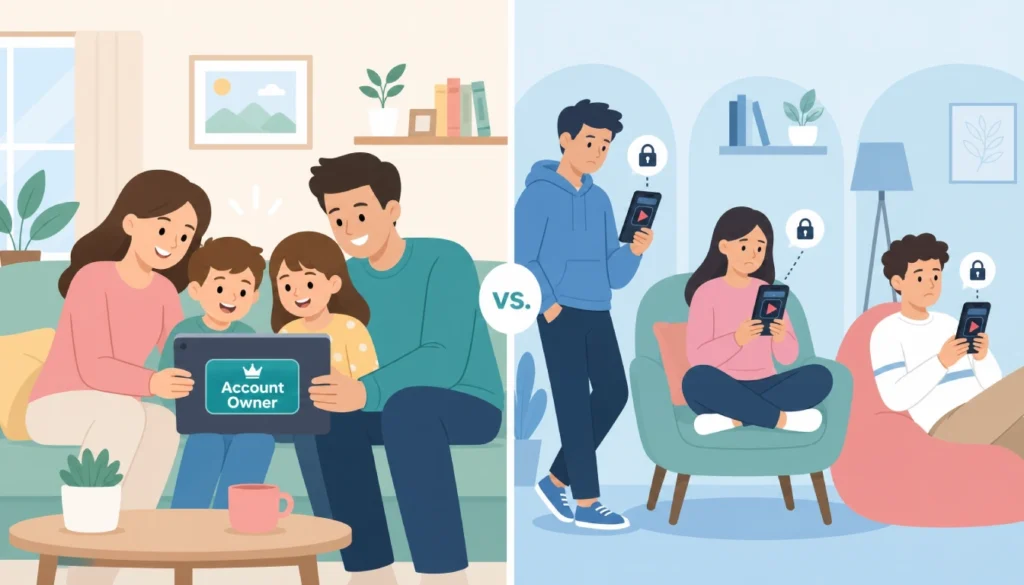
Here are the five biggest behaviour shifts that followed:
- Solo subscriptions became the norm. Families and flatmates who once shared one account now split across individual or small-household plans.
- Subscription fatigue 2026 is real and widespread. More people are rotating services – subscribing for a month, binge-watching a show, then cancelling before the next billing cycle.
- Ad-supported tiers exploded in popularity. The choice between ad-supported and ad-free streaming shifted significantly toward the cheaper tier as prices rose. Platforms reported 40–60% of new sign-ups choosing ad-supported plans in late 2025.
- Bundles became the new best deal. Disney+/Hulu/ESPN bundles and similar packages pulled people back in by offering perceived value over individual pricing.
- Watch parties and co-watching apps grew. With shared accounts gone, people found new tools (Teleparty, Prime’s watch party feature) to keep the shared experience alive across separate accounts.
Understanding these shifts helps you make smarter choices – not just react to platform pressure.
How to Build a Healthier Streaming Routine (Without Missing Your Favourite Shows)
This is the heart of the guide. The goal isn’t to watch less for the sake of it – it’s to watch better. Here’s how to manage multiple streaming services and build a routine that actually feels good.
The core problem: You never know what to watch, so you scroll. Scrolling burns time and leads to lower-satisfaction choices.
The fix: Decide before you open the app.
Step 1: Build a running watchlist
Use a free app like JustWatch to track everything you want to watch across all your platforms in one place. Spend 10 minutes on Sunday adding shows and films to your list. When it’s time to watch, open the list, not the app’s home screen.
Step 2: Set a 5-minute browsing limit
If you can’t decide from your list, set a phone timer for 5 minutes. When it goes off, you must start something. If nothing from your list grabs you, go to a pre-saved “comfort rewatch” – a familiar show that requires no commitment. This breaks the decision loop without the guilt.
Step 3: Do a monthly subscription audit
Once a month (set a calendar reminder), check your bank statement and answer three questions:
- Which services did I open at least 4 times this month?
- Which am I paying for “just in case”?
- Is there an ad-supported tier I could switch to and still watch what I want?
Binge-watching and mental health are genuinely connected – studies consistently link choice overload and passive, unintentional viewing to lower mood and higher screen regret. Pre-planning your viewing isn’t about discipline; it’s about making sure you actually feel good after watching.
Tools, Settings and Apps That Do the Heavy Lifting for You
You don’t need willpower to manage this. You need the right setup.
JustWatch – Tracks every title across every platform. Sends notifications when something on your watchlist becomes available. Free to use. Genuinely one of the most useful tools for anyone managing multiple services.
Your phone’s Screen Time / Digital Wellbeing settings – Set a daily limit for your streaming apps. A 2-hour soft limit doesn’t stop you from watching, but it does prompt you to make a conscious choice to continue rather than drift.
Platform “My List” features – Every major platform has one. Use it. If you’re not pre-adding things to your list, you’re leaving yourself open to algorithmic rabbit holes designed to keep you watching, not satisfied.
Calendar subscriptions – If you rotate services (subscribe, binge, cancel), mark your billing dates clearly and set a reminder 3 days before renewal. That 3-day window is enough to decide whether to keep or cancel.
A simple Notes app – Don’t underestimate it. A note called “Want to Watch” that you update whenever a friend recommends something is often better than any algorithm. Real recommendations from people who know you beat engagement-driven suggestions every time.
Streaming Habits by Life Stage: Solo Viewers, Couples and Families
How you stream depends a lot on who you’re streaming with – or without.
Solo viewers often overspend by keeping services “open” for one or two shows at a time. The rotation strategy works well here: pick one primary service, cancel the rest, rotate every 2–3 months. One to two services active at any time are almost always enough.
Couples face the “two different tastes” problem. The practical answer is one shared primary subscription and one solo pick each – usually landing at 2–3 services total. Use a shared watchlist on JustWatch to solve the “what do we watch tonight?” conversation before it becomes a 40-minute negotiation.
Families with children have the highest complexity. Kids’ content platforms (Disney+, Apple TV+) plus adult drama services can stack quickly. Look at bundle deals first, then ad-supported tiers for children’s content. Kids typically don’t mind ads in the same way adults do, which can save $3–6 a month per service.
The through-line for all life stages: more services rarely means more satisfaction. Fewer, better-chosen subscriptions consistently win.
Streaming Habits by Life Stage: Solo Viewers, Couples and Families
(See above section – this acts as the guide’s practical bridge to the reset plan below.)
Your 7-Day Streaming Habit Reset Plan
If you want to change your streaming habits, the most effective way is a short, structured reset – not a dramatic overhaul. Here’s a 7-day plan that works for most people.
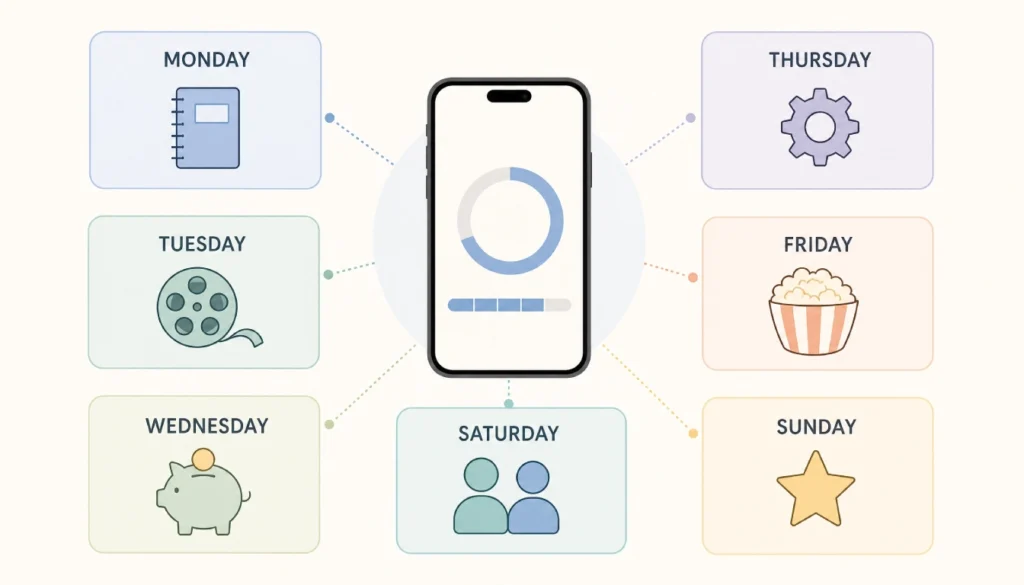
Monday – Audit day. List every streaming subscription you’re currently paying for. Write down how many times you opened each one last month. Be honest.
Tuesday – Watchlist day. Set up JustWatch. Add every show or film you genuinely want to watch. Aim for at least 10 titles across your active services.
Wednesday – Cost review day. Check if any current subscriptions have cheaper ad-supported tiers. Calculate what switching would save per year.
Thursday – Settings day. Set Screen Time or Digital Wellbeing limits on your streaming apps. Start at 2 hours and adjust from there.
Friday – Comfort pick day. Tonight, open your watchlist (not the home screen) and pick something to watch from it. Notice how different it feels.
Saturday – Family or social day. Use a co-watching tool or simply agree on what to watch before anyone opens an app. One suggestion from each person, pick together, start within 5 minutes.
Sunday – Review and plan day. Spend 10 minutes. What worked this week? What didn’t? Add new titles to your watchlist. Decide if any subscriptions should be cancelled or paused before next month’s billing.
After 7 days, most people report less scrolling frustration, clearer decision-making, and a noticeable drop in screen-time regret. That’s not a dramatic transformation – it’s just small structures making a real difference.
Conclusion
Building better streaming habits in 2026 doesn’t mean giving up the shows you love. It means spending less time scrolling, paying only for what you use, and watching with enough intention to actually enjoy it. This modern streaming habits 2026 guide has walked you through the real costs, the biggest behaviour shifts after the password crackdowns, practical steps for managing multiple services, and a 7-day reset you can start tonight.
The single biggest change you can make right now? Build your watchlist before you open any app. That one shift costs nothing and delivers more satisfaction per viewing hour than almost any other tweak.
Your turn: Which tip from this guide are you trying first? Drop a comment below – especially if you’ve already tried a subscription audit. I’d love to hear what you found hiding on your bank statement.